Auto is not your only option if you aren't yet comfortable setting your aperture, shutter speed, etc manually. Your camera can make a lot of decisions for you, but it helps if you give it a few hints. Enter: scene modes.
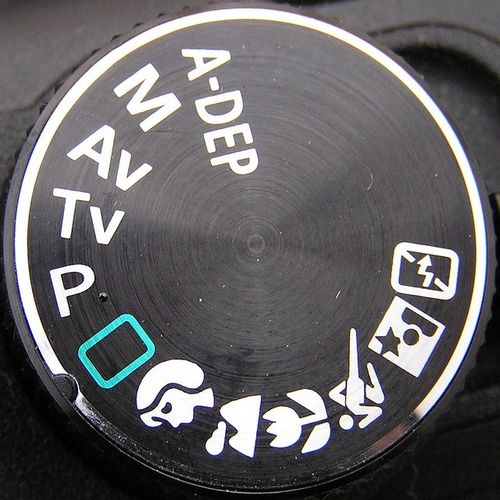
(image from Leo Reynolds)
Your camera may have a number of icons as above or it may just have the letters SCN as an option on the dial, which will pull up another menu on your screen listing all your scene mode choices. It may seem self-explanatory but let me just point out some situations you might want to choose one or the other.
Portrait Mode
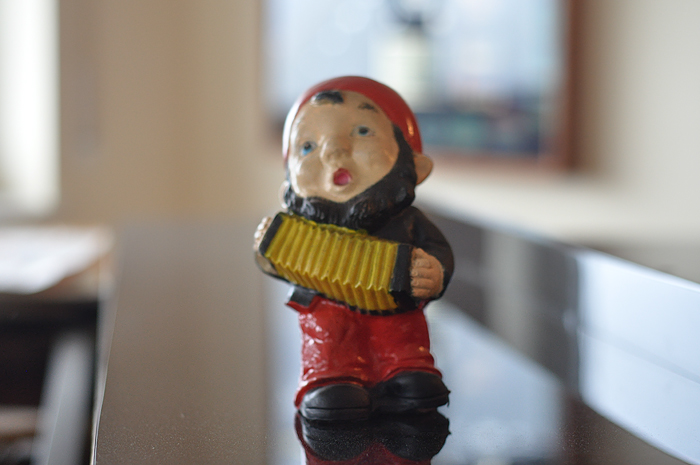
This one is usually noted by a person's head. What happens inside the camera on portrait mode is that it will open up to the largest aperture available. It is best for a single subject – or a cluster of people – moderately close to you. The background will be out of focus, giving that nice, soft blur. How much blur depends upon the maximum aperture of your camera/lens. This picture was taken with a 50mm lens. My daughter's compact camera has a much smaller maximum aperture so the blur would not be quite as marked with hers.
Portait mode will usually have a slightly less sharpening than other modes. Unless you are shooting manually, your camera is recording jpeg images. It is deciding to sharpen them to different extents. In portrait mode it is going to sharpen with a light hand so as not to emphasize fine lines and blemishes.
This mode isn't only for people however. Any time you'd like to isolate your (stationary) subject and achieve an artsy effect you can try this option. And although children ARE in fact people, this mode doesn't always work well for them. More on that in a bit.
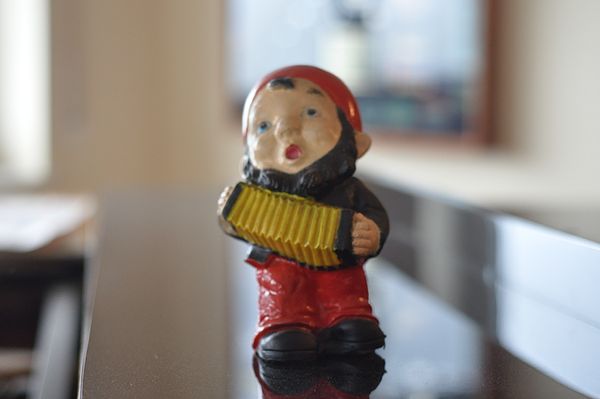
above: portrait mode
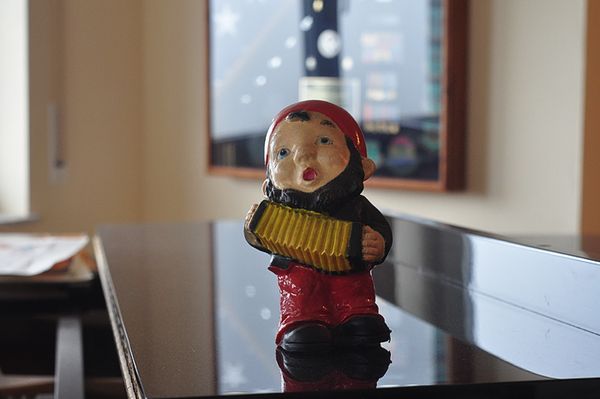
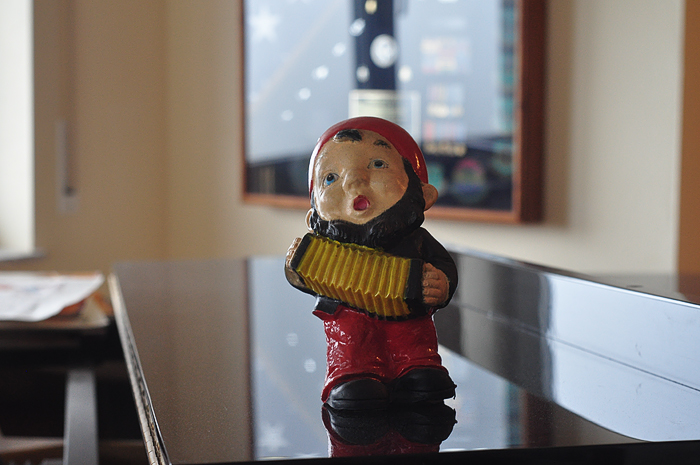
below: landscape mode
Landscape Mode
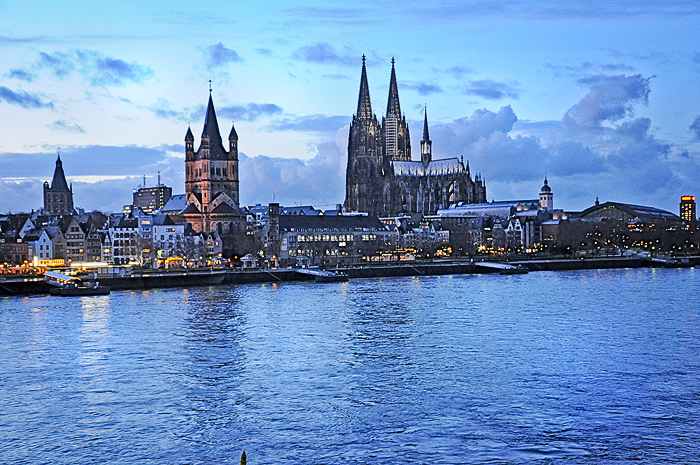
Likewise, landscape mode is not just for landscapes. Landscape mode, usually indicated by a mountain peak icon, tells your camera to shoot at a wide angle bringing the entire scene into focus at once. Wide angle means you be zoomed out getting as much of the scene into the viewer as possible. Things close to you, as well as those things in the distance will be in fairly sharp focus.
If you want to get a picture of your husband with a mountain range or a national monument off in the distance, this is a good mode to try. If you choose portrait mode simply because you have a person in the picture, you are going to be disappointed when you get home and the White House behind them is all fuzzy. : )
Sports Mode
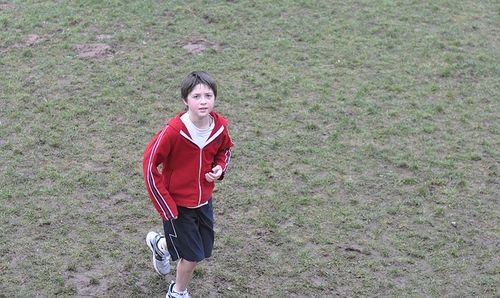
…also not just for sports and actually not ideal for some sports events. You can find this option by looking for a runner. What happens in sports mode is that your camera is programmed to a fast shutter speed to try to freeze the action in your scene. Because the shutter is only going to open for a split second, the camera is going to have less light reaching the sensor. Therefore, it works best when there is a lot of light available (outdoors is best) or the flash is used.
Although people are indeed moving at dance recitals, for instance, the dimmed lights of a theater may not be sufficient when coupled with that fast shutter speed. If you cannot use flash then you may not get a good image on sports mode in that sort of situation. (for the record it is challenging to get good sharp images of stage performances even when shooting manually unless you have equipment specially suited for it)
Your camera is also going to give you a shallow depth of field in sports mode – blurring the background some. This mode prompts your camera's auto-focus to follow a moving subject, attempting to continually keep it in focus. Because kids are usually in motion, you may well have better luck using this mode vs. portrait when shooting children outdoors.
Don't be swayed by the names.
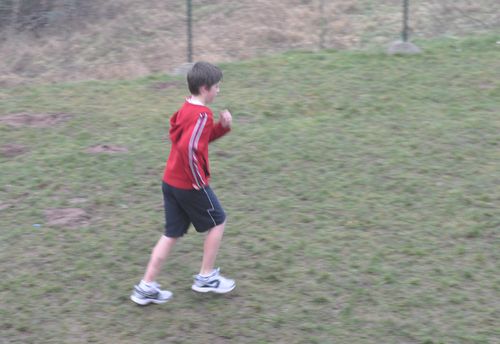
above: auto
below: sports mode
Macro Mode
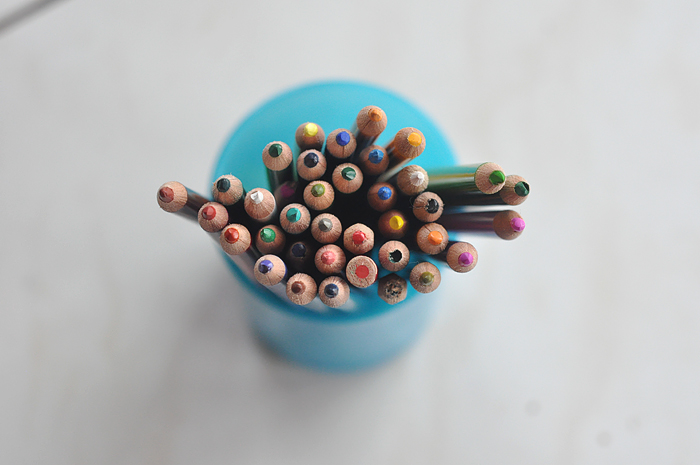
Like those superclose up images of everyday objects? They draw your attention to oft-overlooked details. Since they are usually stationary, and you want to isolate your subject, a portrait mode often works here too. Because you are zoomed in to your subject, there is little room for error by way of camera shake. It is almost impossible not to jar the camera just a little when you press the shutter, so it's a good idea to use a tripod – even for your point and shoot camera. It will help to get those crisp details you are aiming for. If you don't have a tripod, you can try setting your camera on a bean bag or stack of books and using the self timer or a remote release. It really can make a difference.
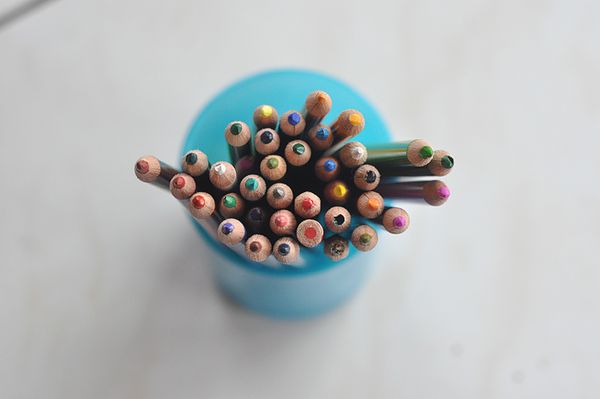 above: macro mode
Night Mode
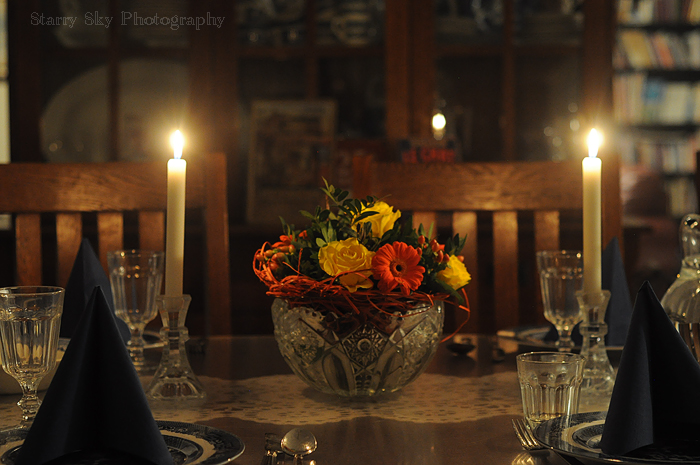
Your camera probably has a night mode as well. It may have two – one with a moon and one with a star. The difference is whether the flash fires or how intense the flash will be. Ideally it tells the camera to shoot with a slow shutter speed to preserve as many details in the low light scene as possible. Because it is shooting at a slow speed you will again have better luck using a tripod so you reduce the risk of camera shake.
Ultimately your best results come from experimentation. That is the beauty of digital photography. You can shoot to your heart's content for practice and then delete.
Weekend Challenge:
Set up a scene and shoot it in several modes to see which comes closest, under those conditions, to what you had in mind. Use your playback/preview button to compare your images in the LED screen afterwards. This becomes even more helpful when you begin to shoot in manual. You will study the settings used on your best pictures to learn why they turned out so well. Even in scene modes, your camera will usually record the icon of the mode used to take the picture so you have that future reference. If not, keep a notepad handy.
 Starry Sky Journal