Senior prom on a Rhine River cruise. I think that qualifies as a fairy tale.
Scenes from the hours beforehand…
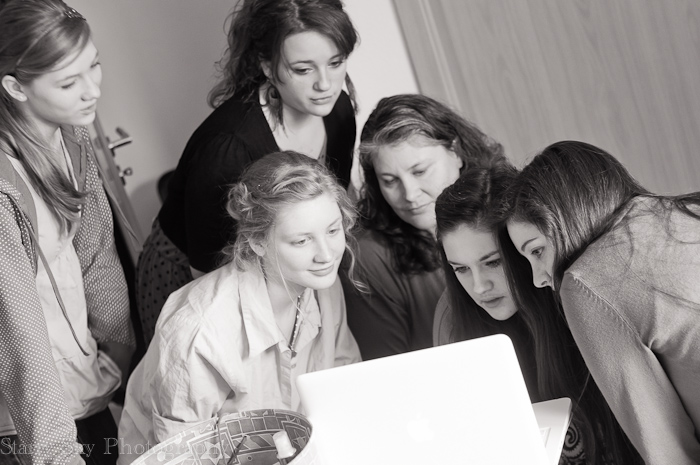
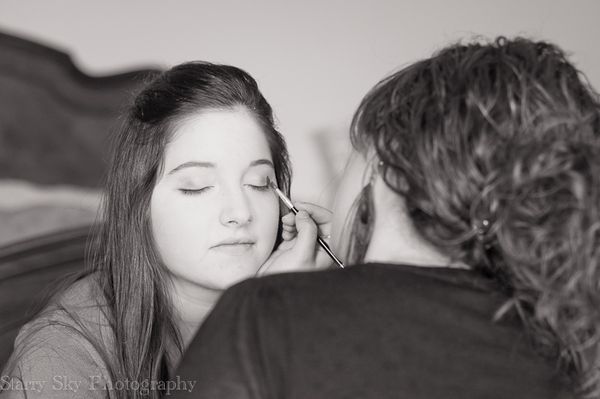
Best friends and beloved sisters, pouring over hair and makeup options.
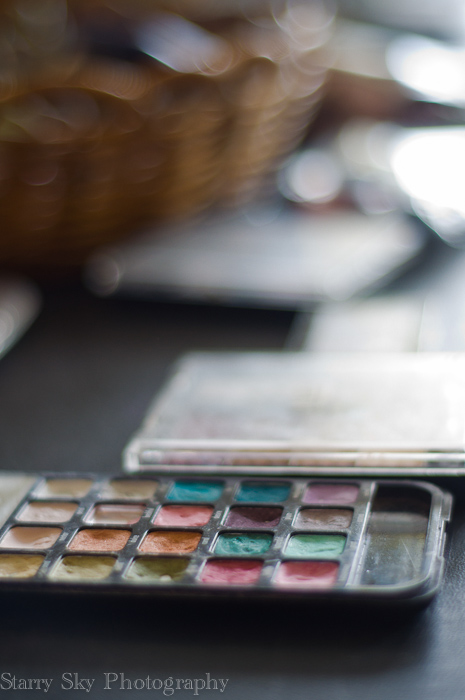
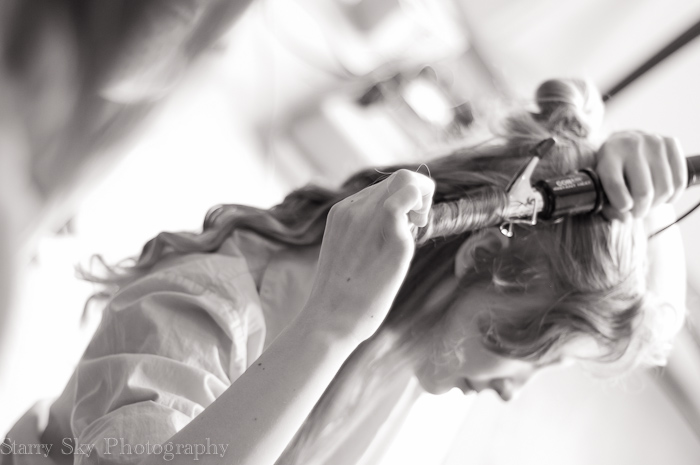
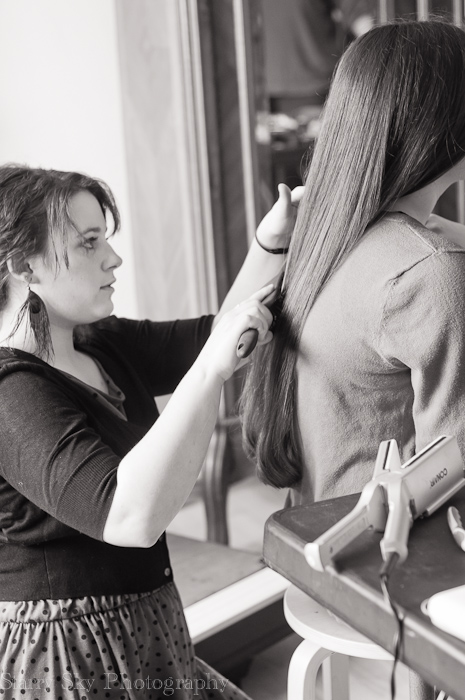
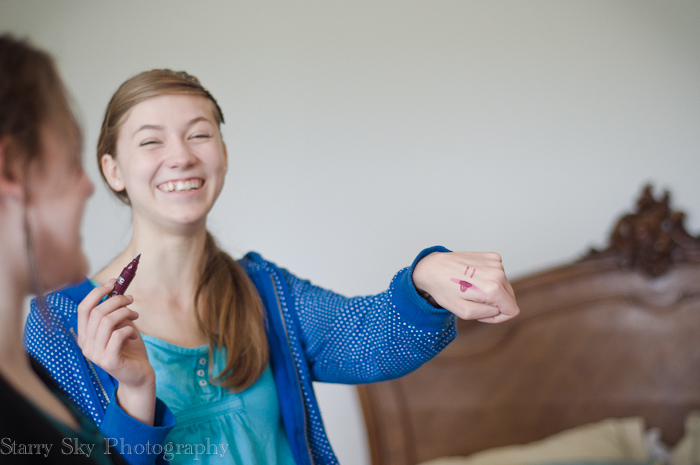
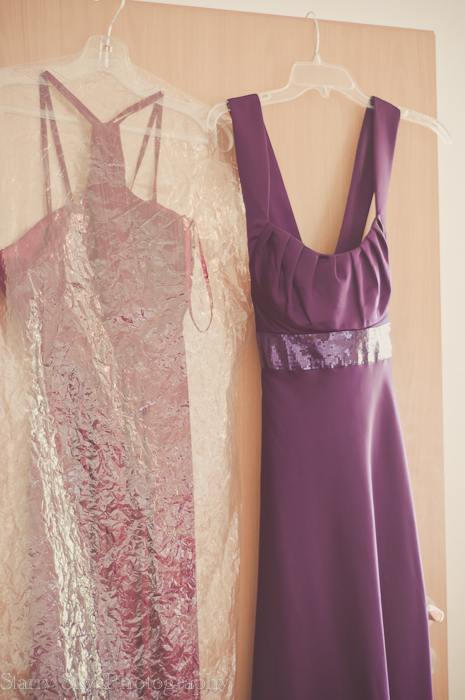
twirl, curl, primp, set, brush
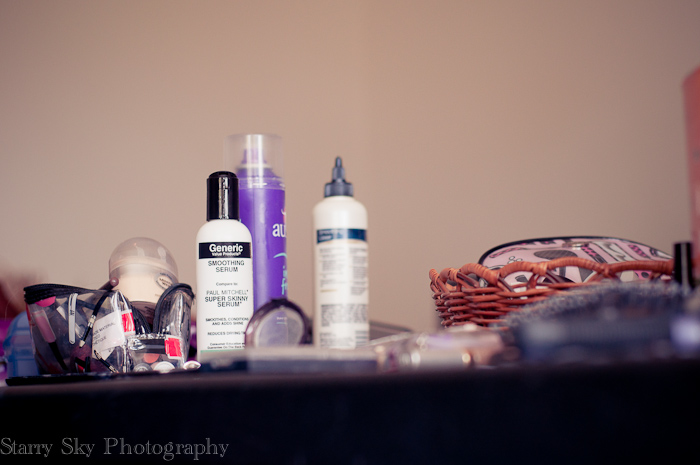
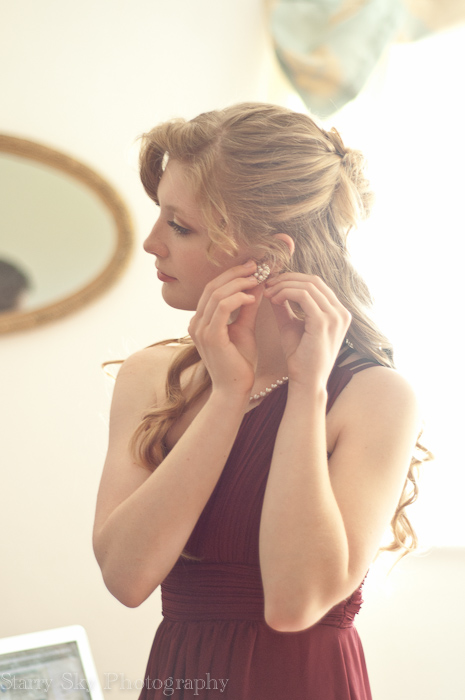
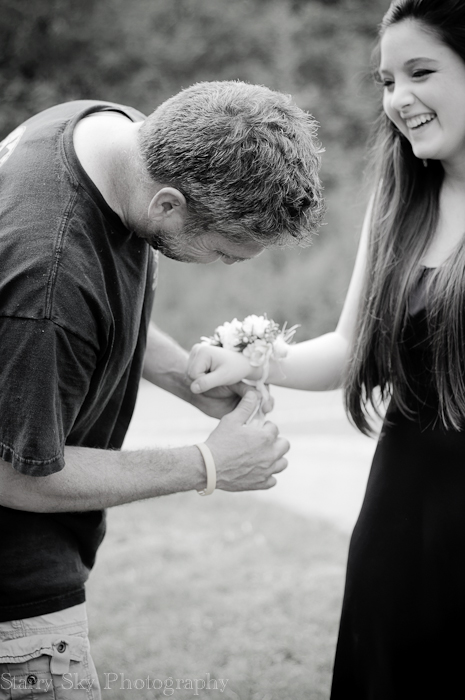
pin, tie, hug, cry
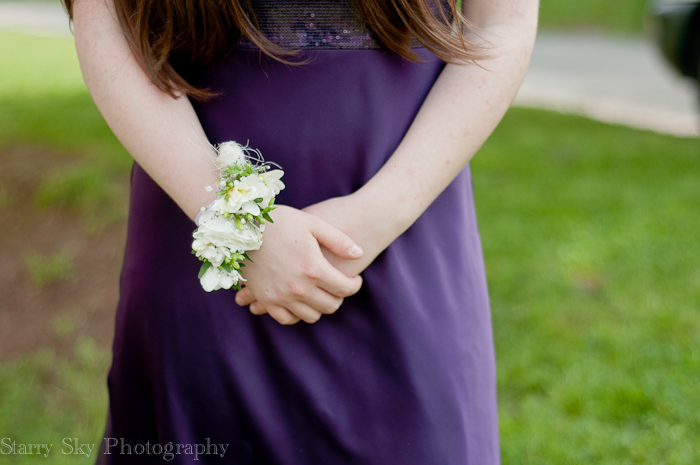
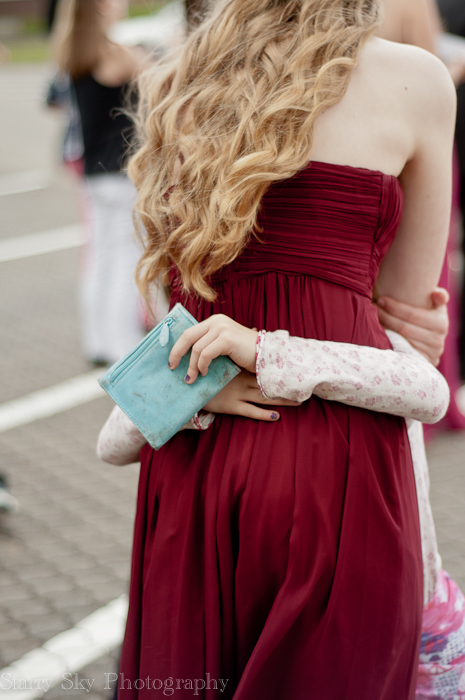
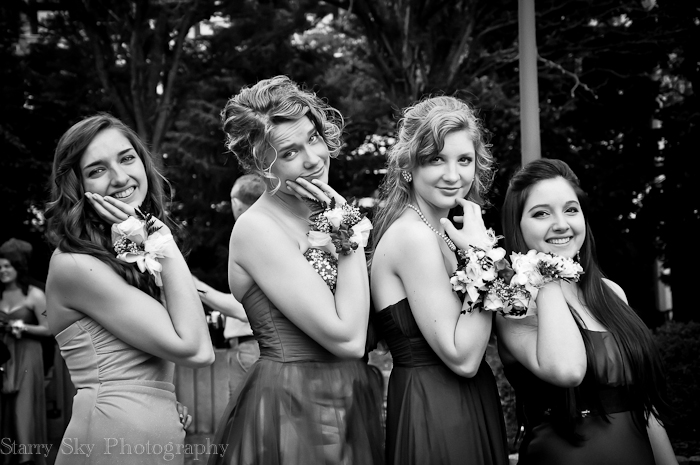
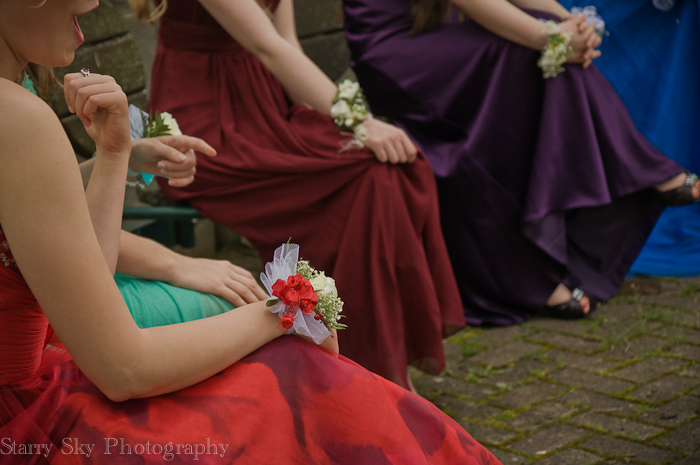
pose, laugh, dance
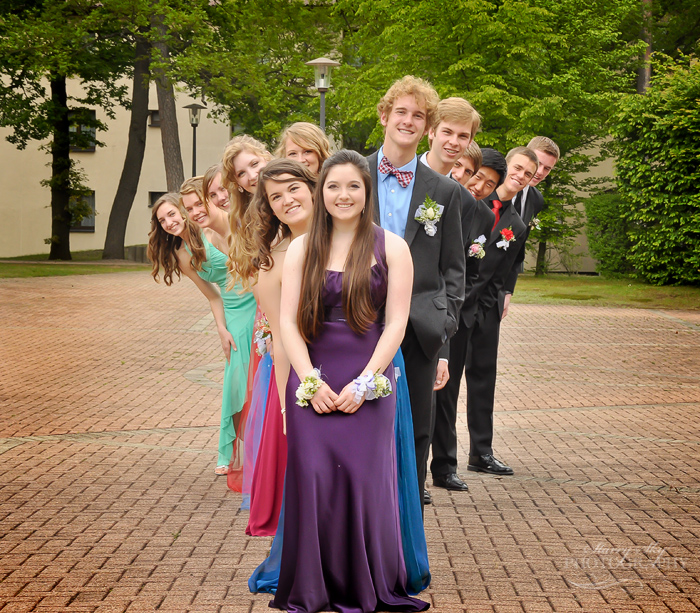
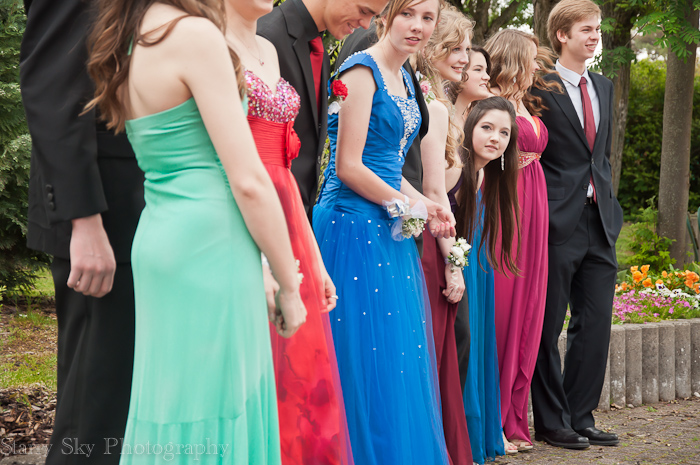
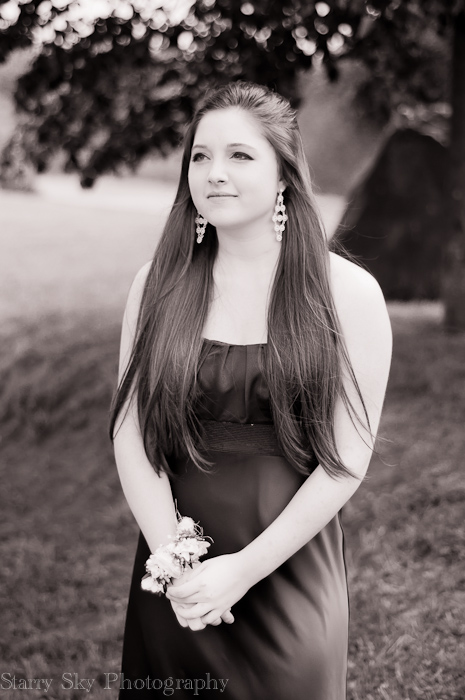
My beautiful girl, with her beautiful friends, on a beautiful day.
(the rest of the images here)
"Whenever you go out of doors, draw the chin in, carry the crown of the head high, and fill the lungs to the utmost; drink in the sunshine…" – Elbert Hubbard
Yes, do.
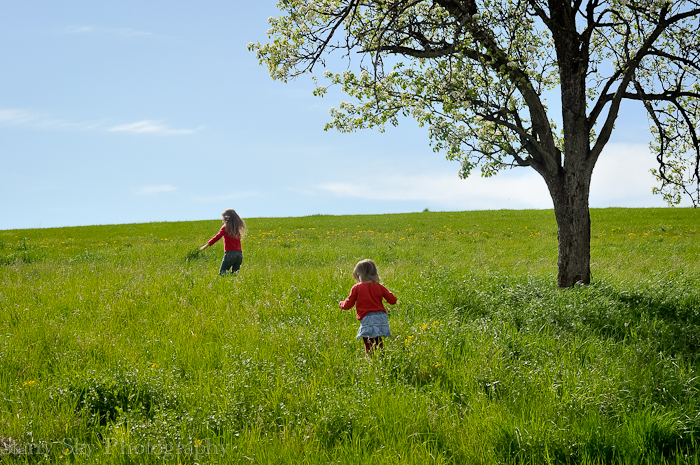
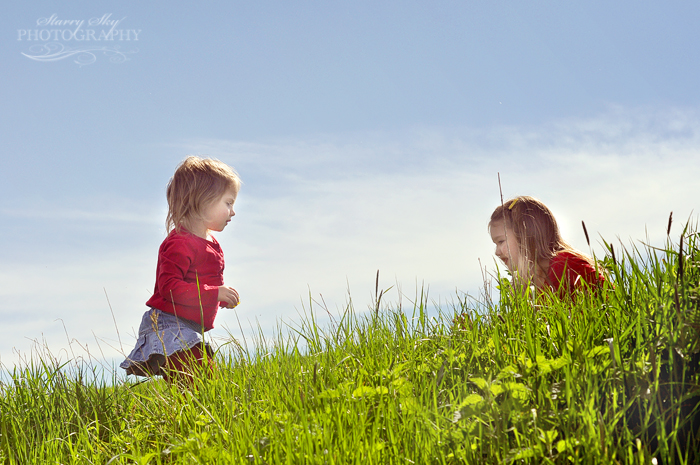
After dreary spring weather I was so afraid there would be no brilliant blue skies this rapeseed season but the clouds have parted and soon as they did we brought the little girls to the fields, where they gathered armfuls of bright yellow blossoms.
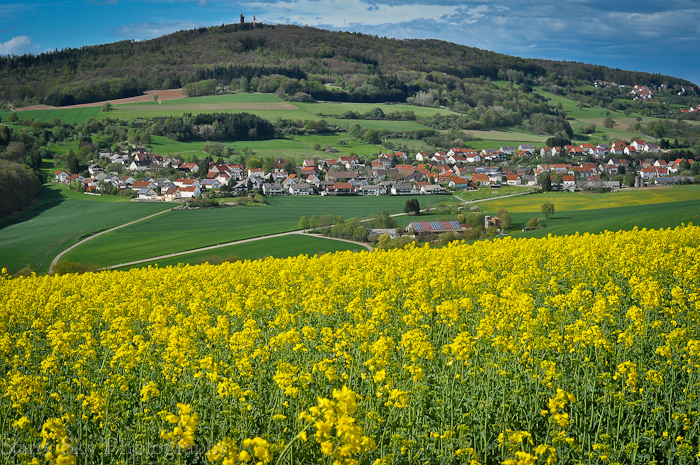
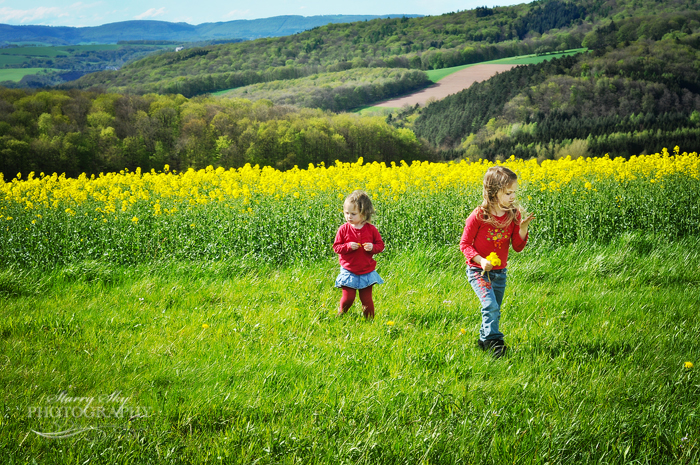
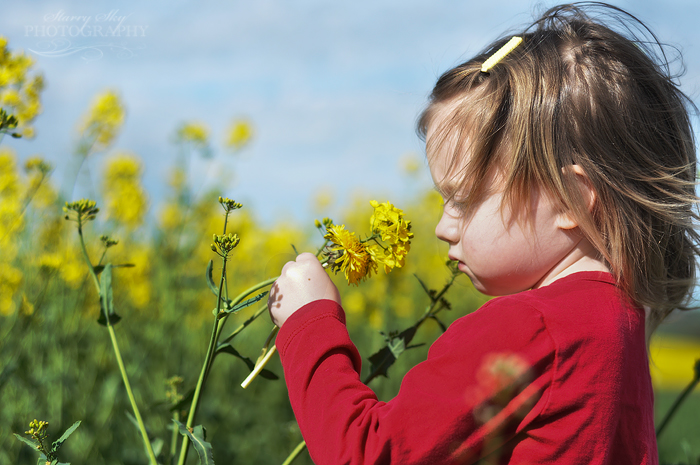
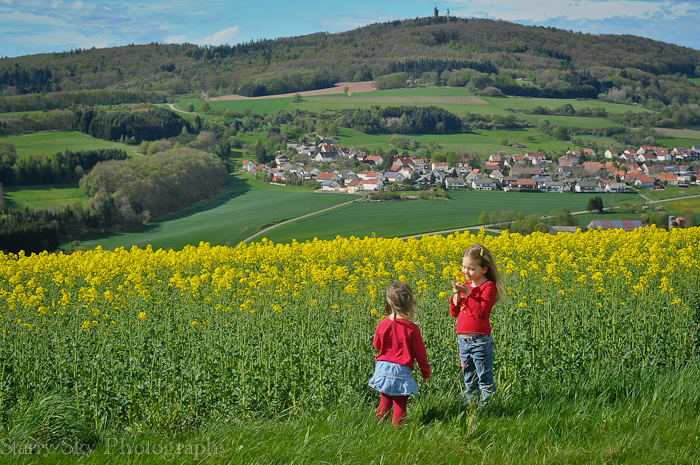
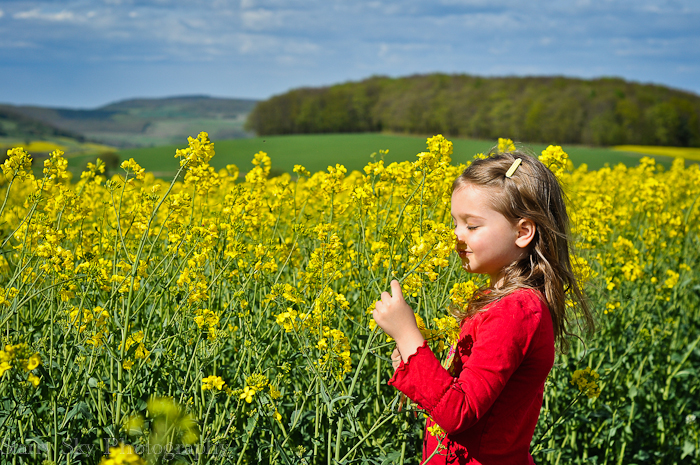
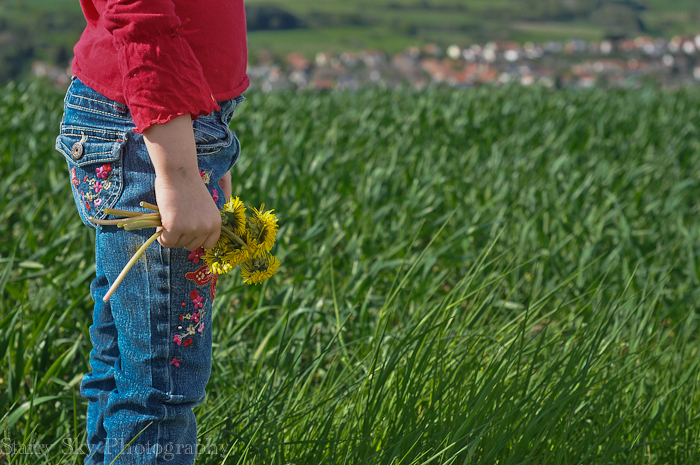
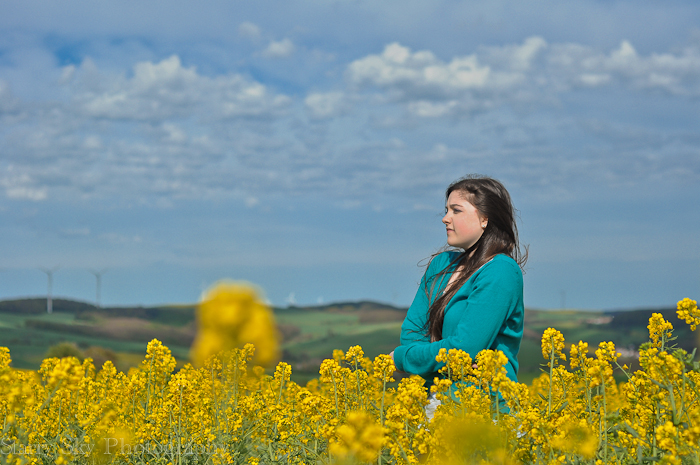
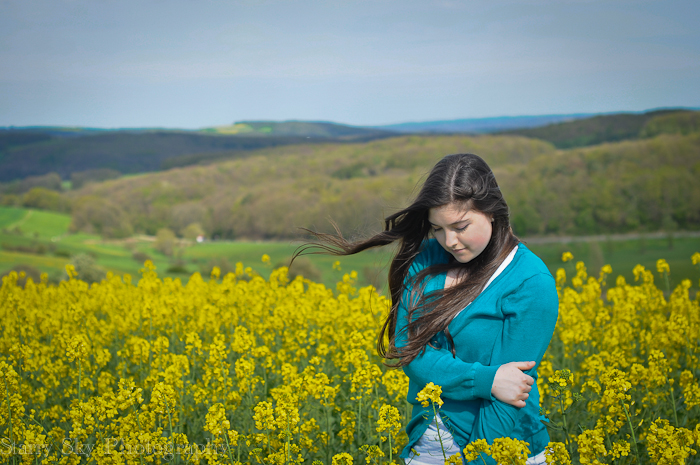
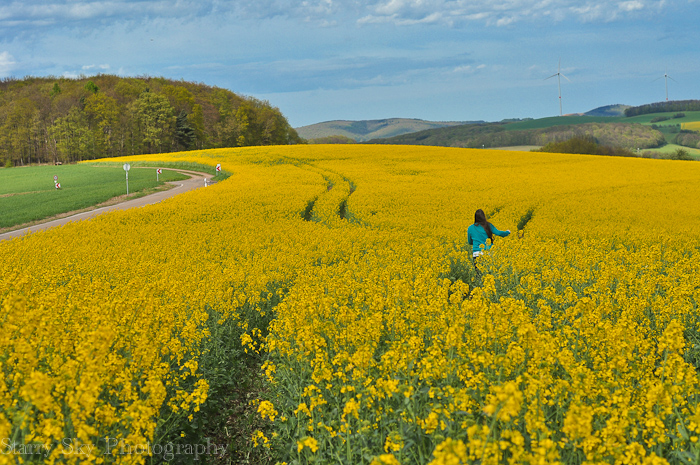

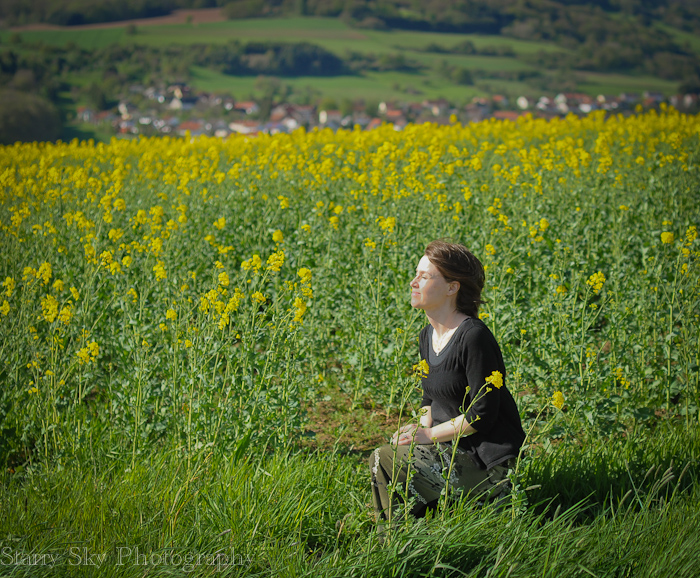
Drink it all in.
It doesn't last forever.
All the major online and private purchase photo editing programs (and smart phones) come with options for special effects such as selective colorization, cross processing, color filter layers, and borders. There is great debate about whether these effects add to or detract from images. Generally speaking, it seems that hobbyists love them and pro's can't stand them. There are exceptions to that generalization of course.
If you are working on a retro-themed blog then a polaroid or 70's effect can really come off well. As a rule, it is ill-advised to edit the majority of your personal pictures with heavy hand though, that locks them permanently into a particular style. (remember: always edit copies!) Thick vignettes (that dark shadow frame) and orange or green color filters can lend an artsy feel but also leave your skin tones funky and tend to scream "Picnik!" to the rest of the world.
If your project does benefit from a special effect or filter, then try to edit all the images for that project in a similar vein for consistency. For instance, if you are making a photo book of your iphonography then using the same finish and filter for all the images will make the final album cohesive. A good example of a photographer who rarely uses special effects but chose one style for a particular wall art project here.
We have all played with special effects and I tend to be draw to interpretive photography vs literal myself. Just passing along that if you google 'over-processed photography' you get an earful of opinions that may make you pause before you process. As Levar Burton used to say, don't take my word for it.
iStock is a leading stock photography company. You can check out their thoughts about filters and special effects here and here and here. Selective color example here. Common processing errors here. Comparisons here.
The standard processing 'error' list:
oversaturation (or under)
excessive color filtering
oversharpening (especially of eyes)
selective color
heavy grit
fake lens flare
extreme angles/tilt of camera
As always, the best remedy is starting with good exposure. The best exposure is usually nailed by manual settings. Highly recommended that you work on that first if you have a dslr. Then edit with a light hand.
Recommended reading:
If you have a dslr camera and are shooting in auto this one is for you. Listen to one woman's first steps to moving towards manual settings here. Then pop over here to learn about that 'little line thingie' which is your light meter. An explanation like this one was also the first thing that really clicked (no pun intended lol) for me when trying to get out the gate with manual exposure.
Getting that little line centered won't guarantee you capture the image you envision creatively. You need to really understand aperture and shutter speed for that. But it will help you get a technically correct exposure from which you can begin to experiment. It is that all-important first concept upon which everything else rests. Start with that little line thingie. <g>
more links:
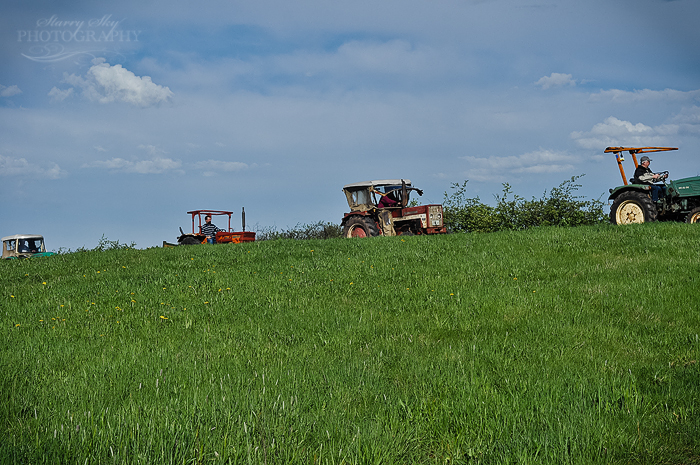
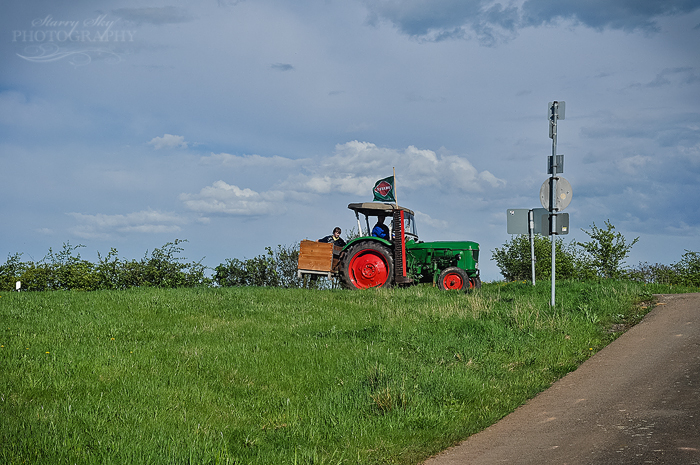
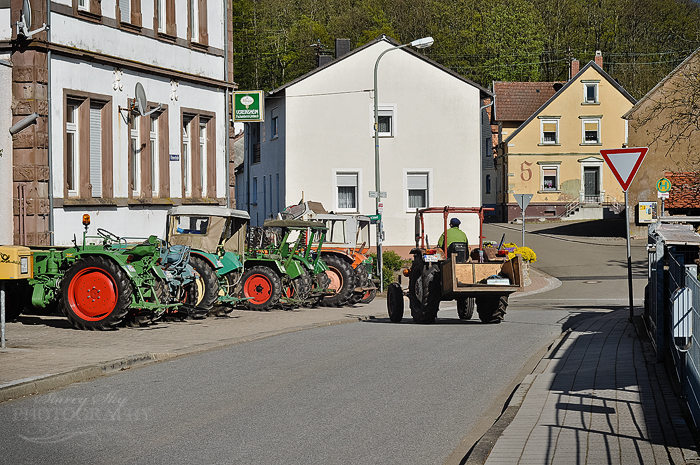
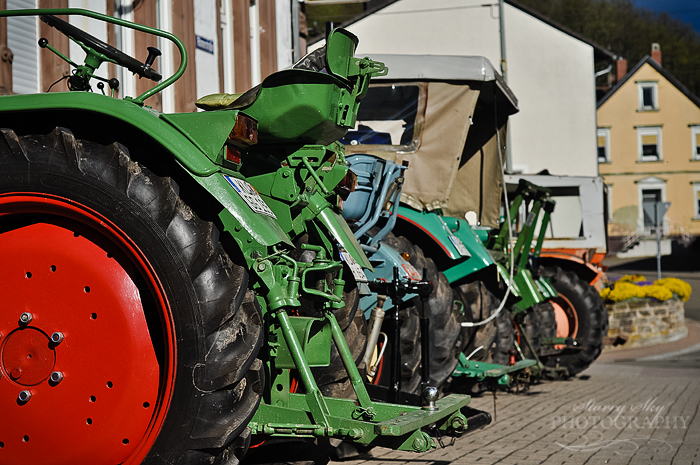
So, it's the first sunny weekend in our corner of Germany and what comes to mind to while away the hours? Why of course, you form a tractor convoy with your neighbors and snake your way through the backroads of local hamlets until you're all tired out. Then you go sit a spell at the corner pub and have a rousing singalong.
At least that is how local folks were spending the day around here. Never know quite what you will find as you turn the corner. <g> I hope your weekend is full of silly surprises.
I wanted to share a couple things. First, Picnik closed this month. To the rescue has come Picmonkey.com which is proving to be a decent free editor. I am hoping to play around a bit as time permits. And it isn't. ; ) A few suggestions however – trying playing with brightness, exposure, sharpening, and contrast on your images and see what you think.
For true point and shoot photography inspiration I suggest a nice leisurely visit to Faded Plains. I have had this site on my Reader for a good long time and was amazed, as many of her readers were, to learn that all those stunning images were captured on a point and shoot camera that runs less than $200.
Like she says, it is necessary to learn composition and the way light works. I would try keeping the light to your back as you shoot vignettes such as these, since backlighting with a point and shoot can trick your camera into underexposing. Import to Picmonkey and remove any color casts. Then fiddle with brightness and exposure and see how the image changes. And if you get images like those please link back and share with us!
This next tip came in one of my mailings this week and is only really useful if you have program modes or manual options on your camera. So, mainly you dslr folks.
Stanford has some new app's that help you visualize the exposure triangle at work. You can manipulate the aperture, ISO, and shutter speed online and see how the image is affected immediately. You can see how much of the image is in clear focus, how much is lit properly, and when parts of the image become over- or under-exposed.
Fun. : )
White balance, you say? We care about this why? Well, white balance makes the difference between your kids having a nice healthy glow or a funky neon yellow glow when photographed at functions in the school gym or the mall or other places with flourescent light. It can make them look a little gray/blue or near cardiac arrest in shaded areas or near north facing windows on cloudy days. It can ruin birthday party pictures.
Got your attention? Good, because this is an easy fix.
Cameras come equipped with various white balance settings to suit your setting. By default it is on auto and some do pretty darn well there in many situations. But again, giving your camera a little hint goes a long way to better pictures. For instance, telling it you are in the shade will warm up your image by toning down the blues and filtering with yellows. If you tell it you are in a room lit by incandescent lights it can filter with blue instead and so on. Here is why…
Light is not white.
In fact, the light illuminating your scene might be very cool (lots of blue) or very, very warm (lots of gold). Your camera knows this. It knows specifically the ratios of different colors from various light sources. What your camera may not know, is which light source you are using at that moment. That makes for images with varying degrees of color cast. You have two options to fix this.
1.) Set your white balance in camera. You usually can choose between auto, sunny, cloudy, shade, tungsten/incandescent, flourescent, and flash at minimum. Auto isn't a bad place to start (it automatically adjusts to flash when shooting in auto mode for instance) unless you are in a gym or indoors on an overcast day. (If you use a dslr in manual mode you can even set a custom white balance by photographing a white or gray card but that is another story entirely.)
You may not have time to mess around with the camera or might be using your iphone etc. No problem because…
2.) You can fix color casts pretty effectively in photo editing programs.
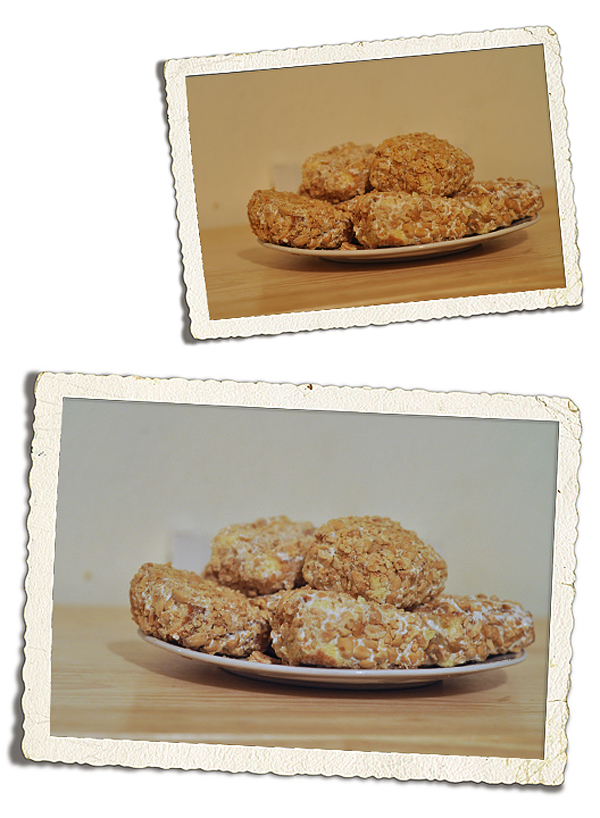
Real quick – some examples of both. The first picture is of a plate of Alannah's Blarney Stones on St. Pat's. It was taken indoors at night with the lights on causing a really yellow cast. Setting the camera again took care of that.
The next image was nearly a toss-er. It was Abbie first thing in the morning by a north facing window on a rainy day. It was way underexposed and left her so blue she looked ashen. No problem. Free editors like Picmonkey.com to the rescue!
It works like this. Upload your image. Go to 'colors' and then 'neutral picker'. Drag the eye dropper to something that ought to be white in your picture. In this case I chose a stripe on her nightgown. The nightgown was not a pure white itself so the editor over adjusted initially. I used the slider to bring the temperature back down a bit.
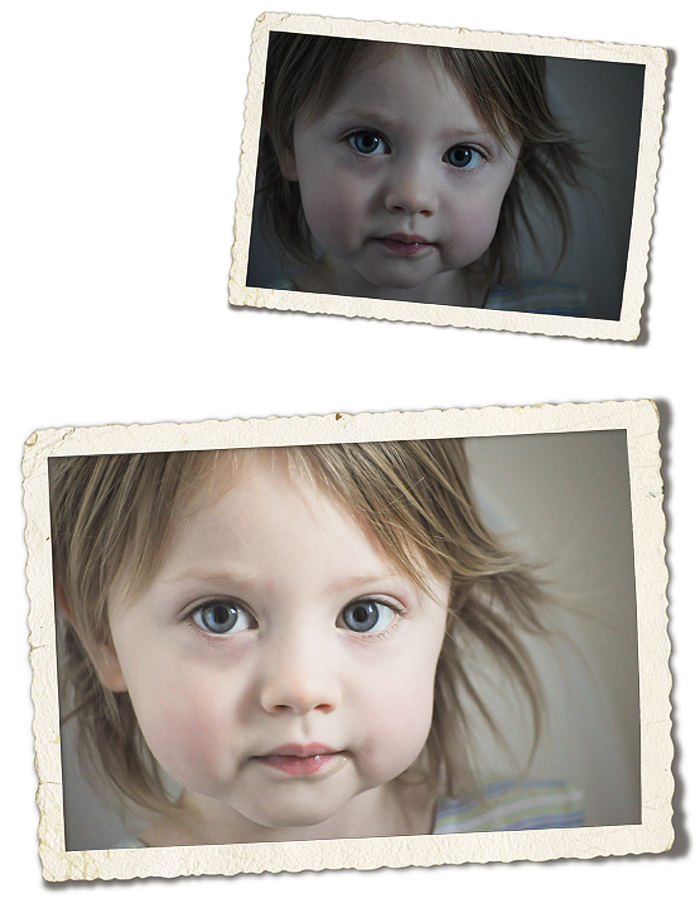
I also hit 'exposure' and slid the 'brighten' slider considerably, which is another post. All that to say, don't delete pictures you love that didn't turn out as well as you hoped until you try a little post-processing fix. Most people have some pictures from sports auditoriums, museums, or bowling alleys they can experiment with. If you are one of them, consider that your Weekend Challenge.
 Starry Sky Journal