Weekend Photography tips: iphoto

Most images benefit from some post processing.  This is especially true of those taken in auto mode. Editing can help to get you closer to what you envisioned than your camera did.   It pays to take a little bit of time to get to know the photo editing software you may have already built into your computer.  Then you can edit at the same time and place you catalog your pictures. 

There are some really good tips for iphoto editing here and here. They cover much of the same ground but usually reading the same things over again with slightly different presentation helps you to really get it.  This one explains how to use the red eye and retouch tools.  You can find lots of youtube videos if showing works better than telling. 

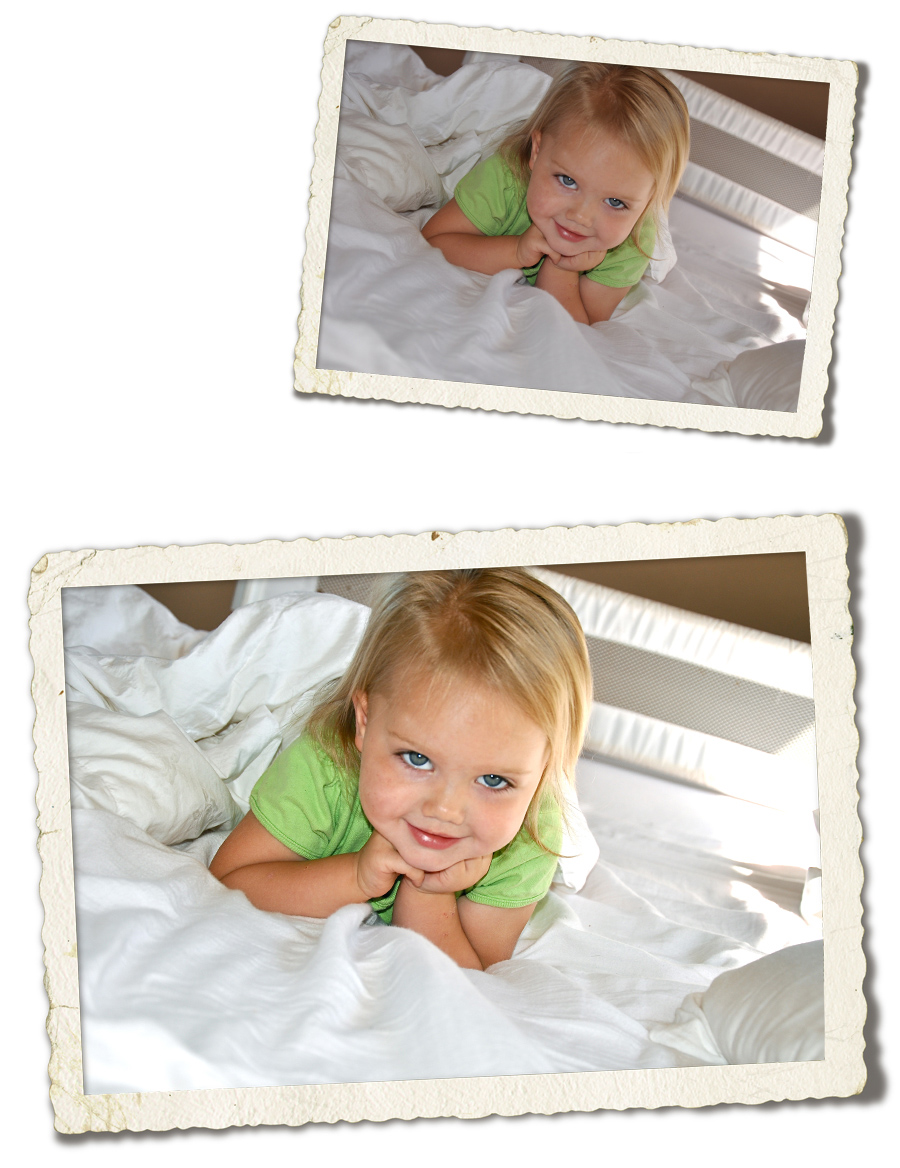
I am including a picture I edited with those tips from several years ago that was shot in auto in the house.  First thing I did was to adjust the exposure considerably.  Auto shots are notoriously underexposed, especially in the shadows.  Check the sliders at the top of the adjustment box.  That center slider for levels is your friend <g>  Move that to the left and watch things brighten up.  Then I increased contrast and sharpness as well – two other things usually a problem in auto.

 I corrected the white balance as best I could with the dropper.  You may need to try the dropper a few different places to get it right.  If you clicked on the white comforter towards the top/left in the image it would over-correct and make the rest of the image yellow for instance.  

Anyway, it's a snapshot, but a little brighter and well, snappier. : ) 

Personally I really dislike the iphoto effects options.  The black and white conversion is awful.  The sepia is heavy handed. The color fade leaves things looking chilly and anemic. There are so many better effects editors out there these days, I avoid this one. 
Iphoto

today was a fairy tale

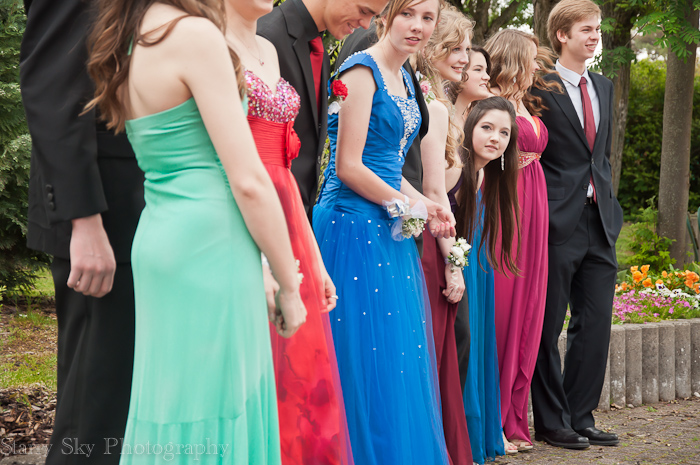
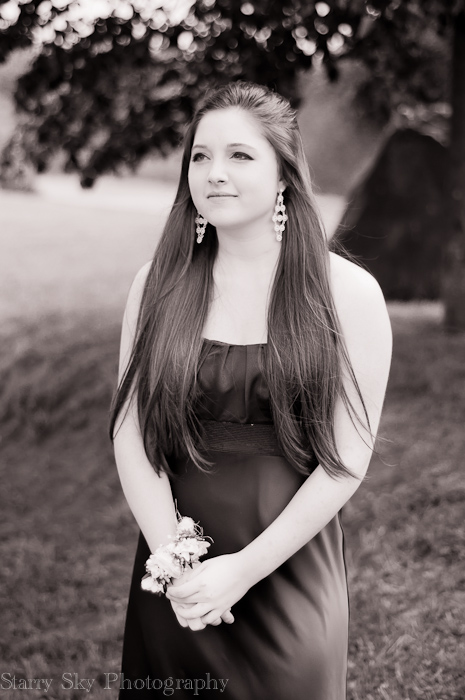
Senior prom on a Rhine River cruise.   I think that qualifies as a fairy tale.  
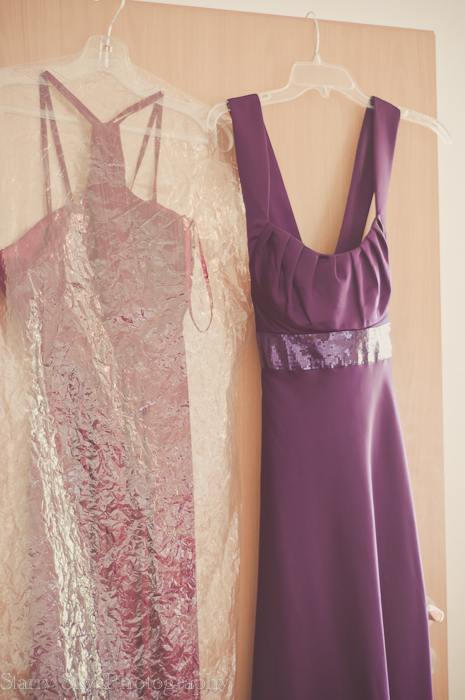
Scenes from the hours beforehand…

May
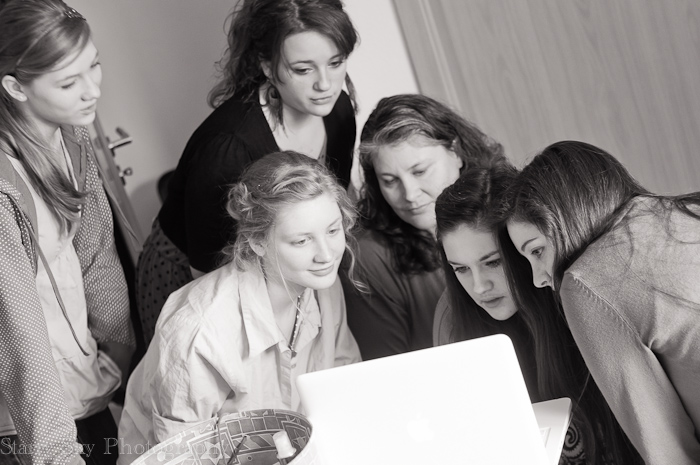
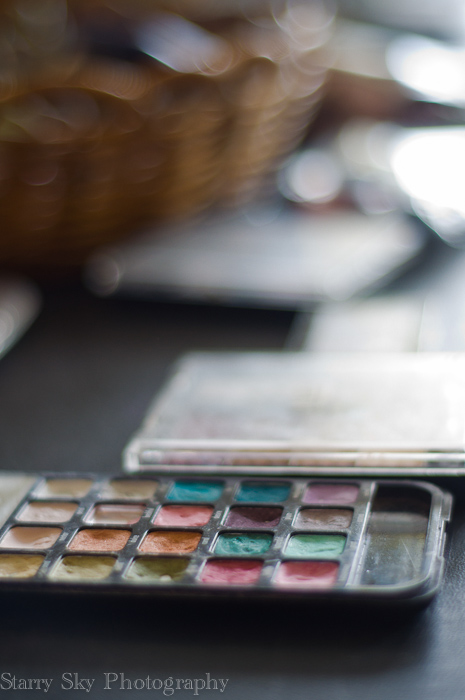
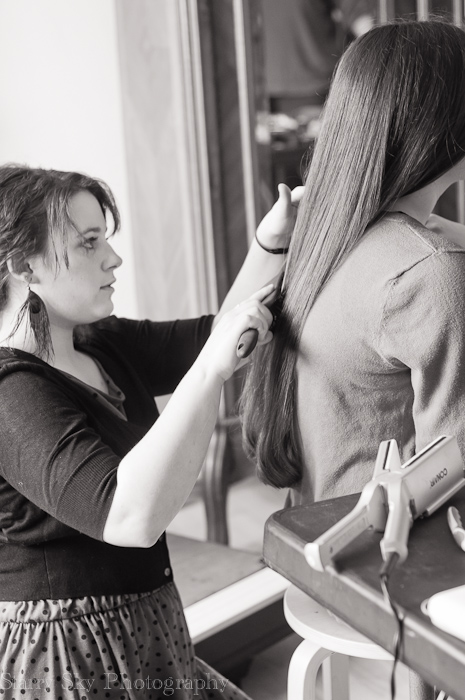
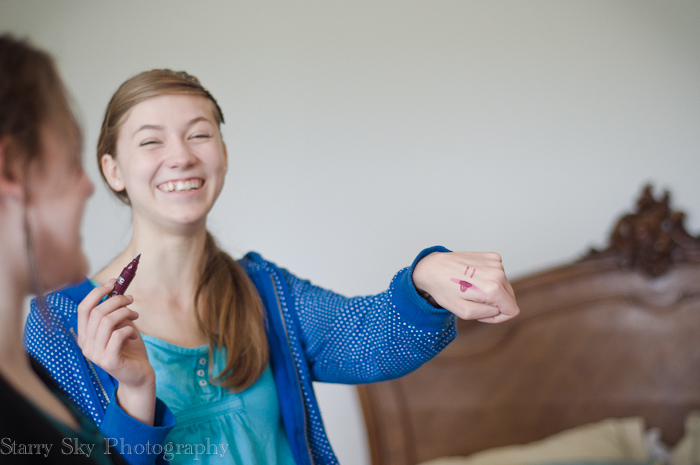
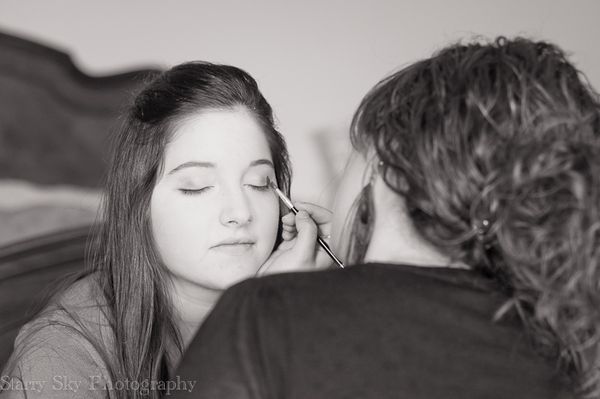
Best friends and beloved sisters, pouring over hair and makeup options. 

May


May

May


May

May 2012 prom blog

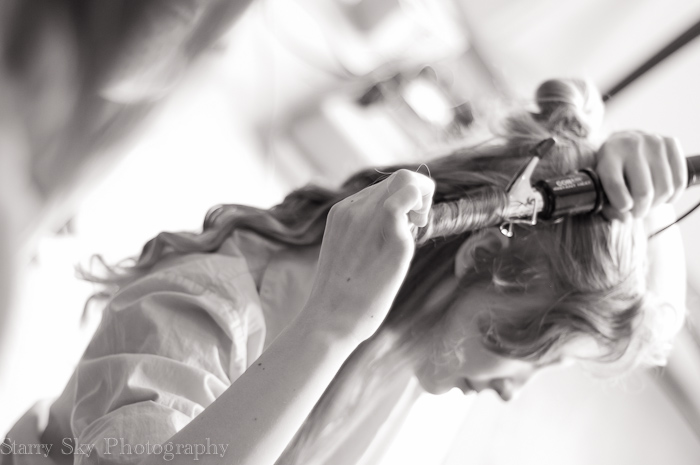
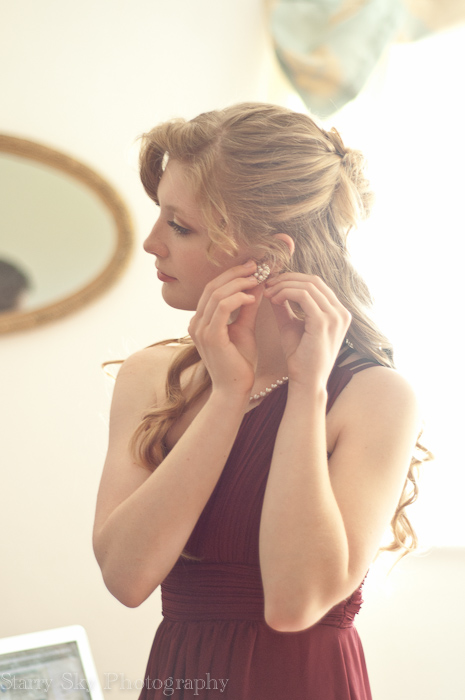
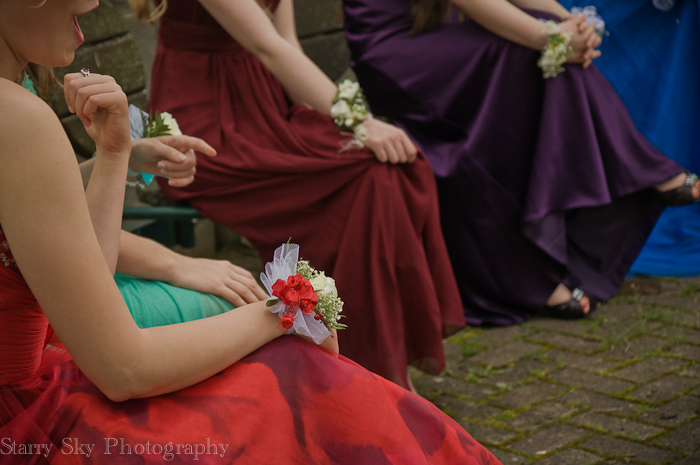
twirl, curl, primp, set, brush


May


May

May 2012 prom blog-14

May

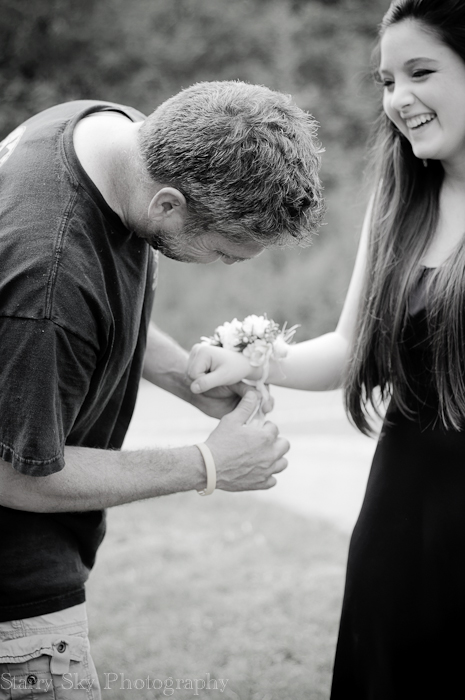
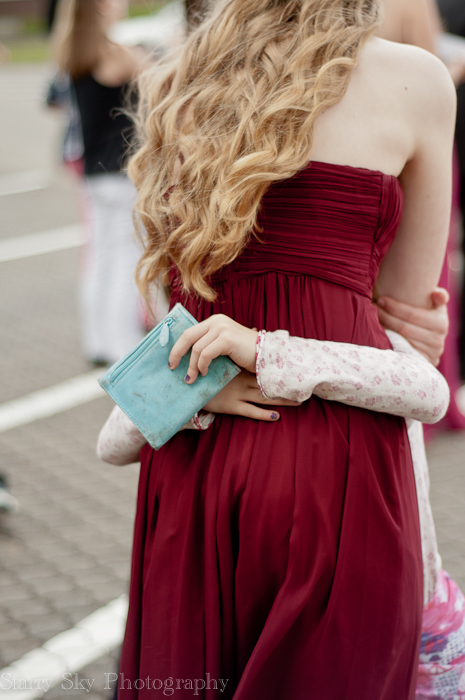
pin, tie, hug, cry

May


May 2012 prom web4


May


May
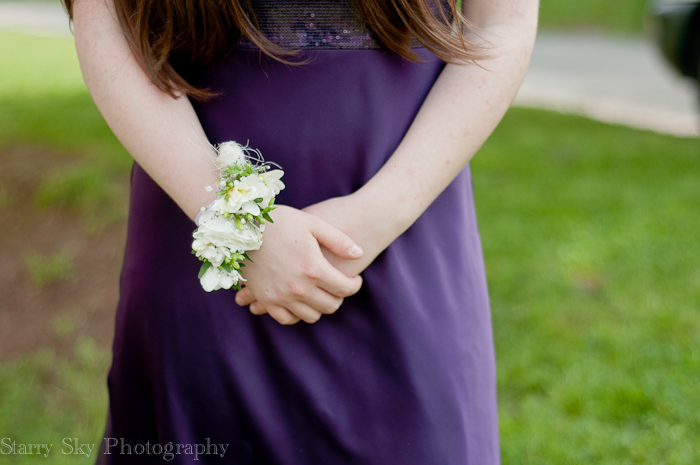
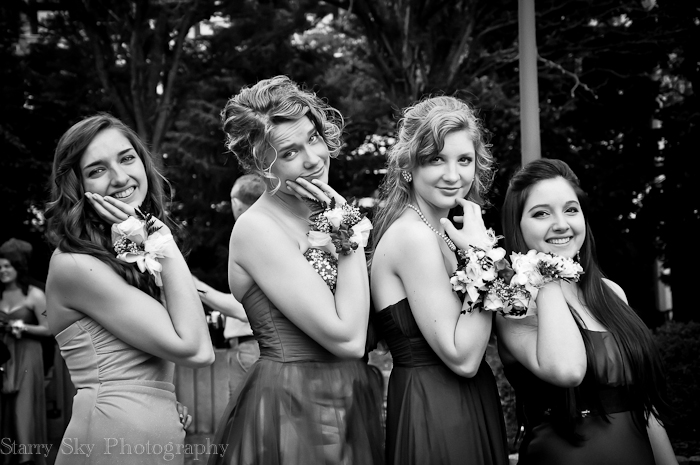
pose, laugh, dance

May

May


May

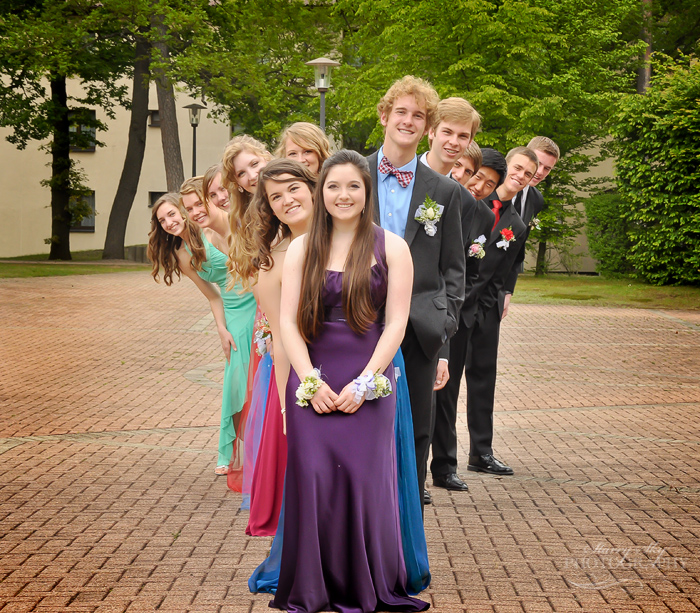
My beautiful girl, with her beautiful friends, on a beautiful day.  

(the rest of the images here)

spring on the farm

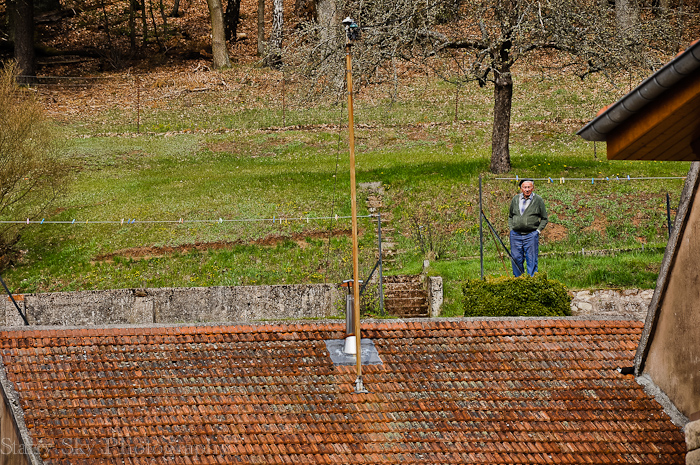
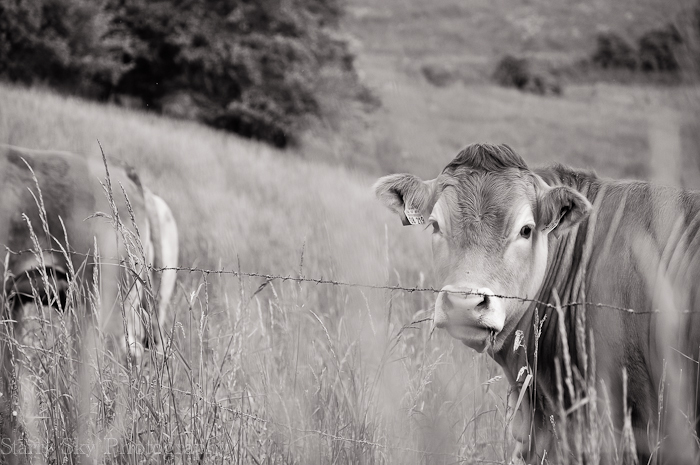
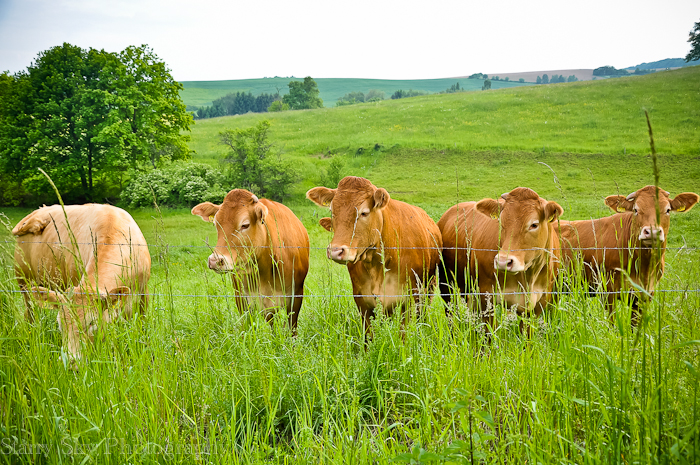
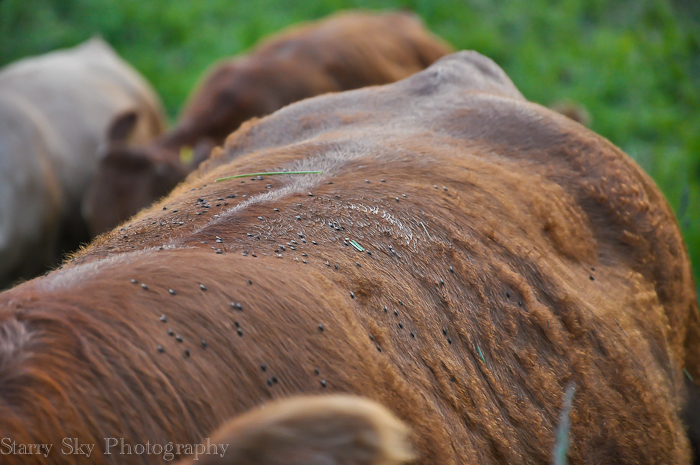
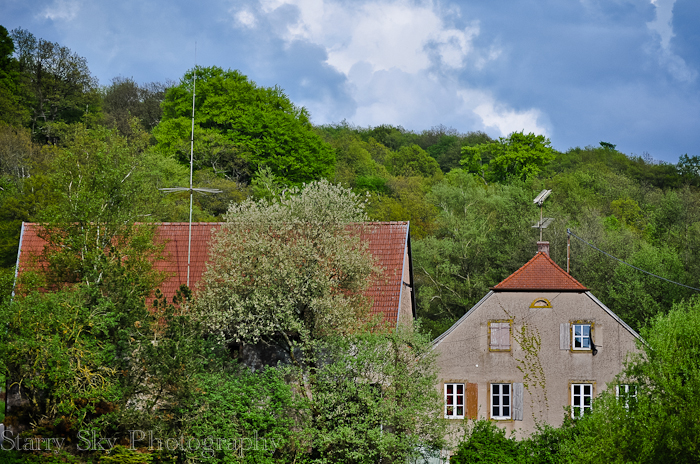
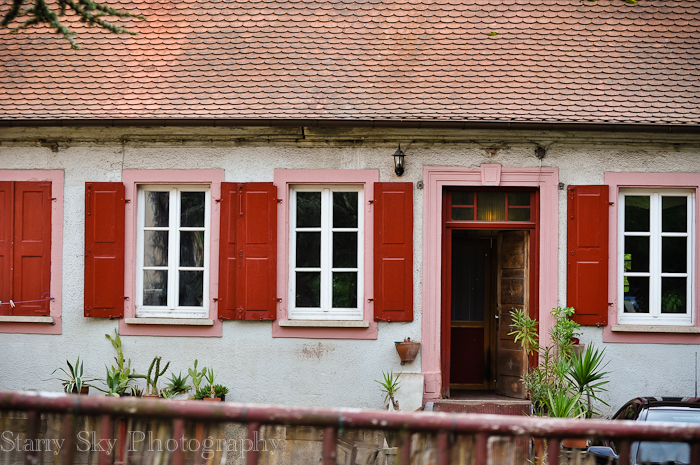
Rarely do I have the forethought to bring my camera along when I run the girls back and forth to their friends.  This day it was in the car though, providing me incentive to launch another Moira and Mom adventure, whereby I slow down just long enough so as not to attract the neighbors' attention and she hangs out the window just far enough to get the shot without dropping the camera or herself.  

That was a very long sentence. <g>

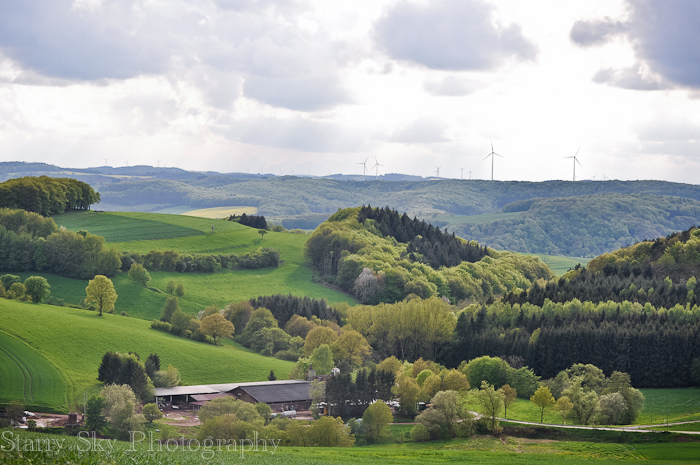
I thought you might enjoy springtime on the farm in Germany as much as I have.   These were taken the other day just before the sky dumped buckets on us from great blue clouds.

May

May

May

May

May

Sunlight through Shadows

Friday morning found me a little groggy and road weary.  Allen was traveling and I had been glued to my mail and phone for 48 hrs so as not to miss an update. Grandpa, the only father I've known, entered hospice care and died soon after.  

seewoog

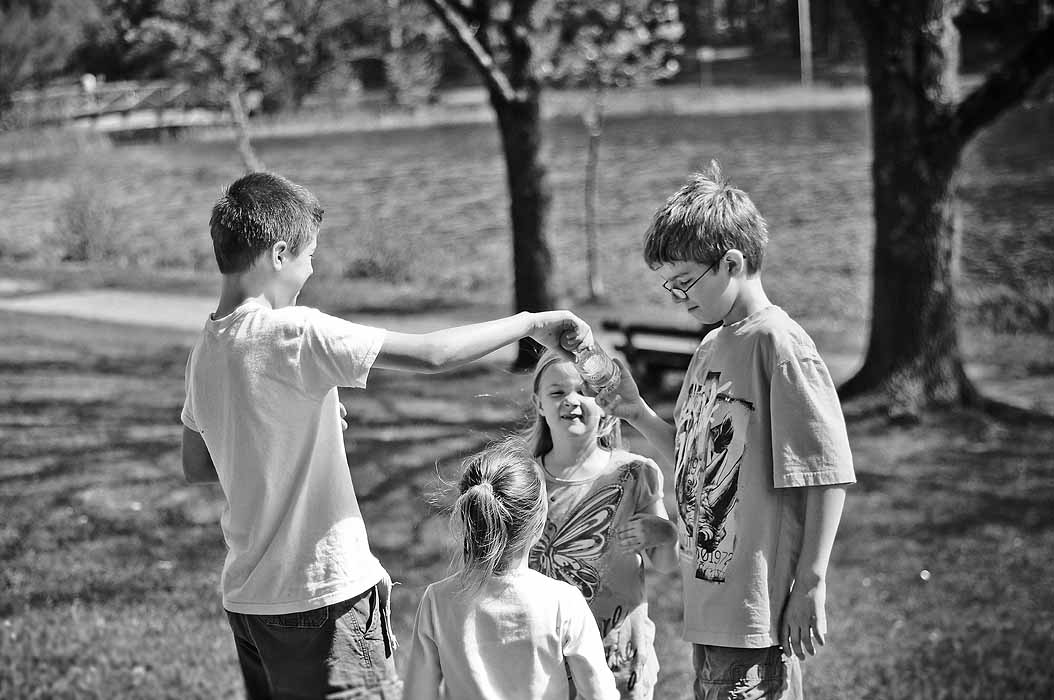
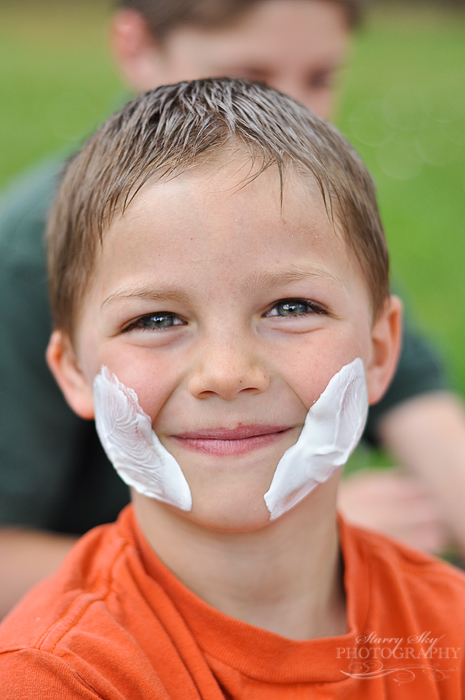
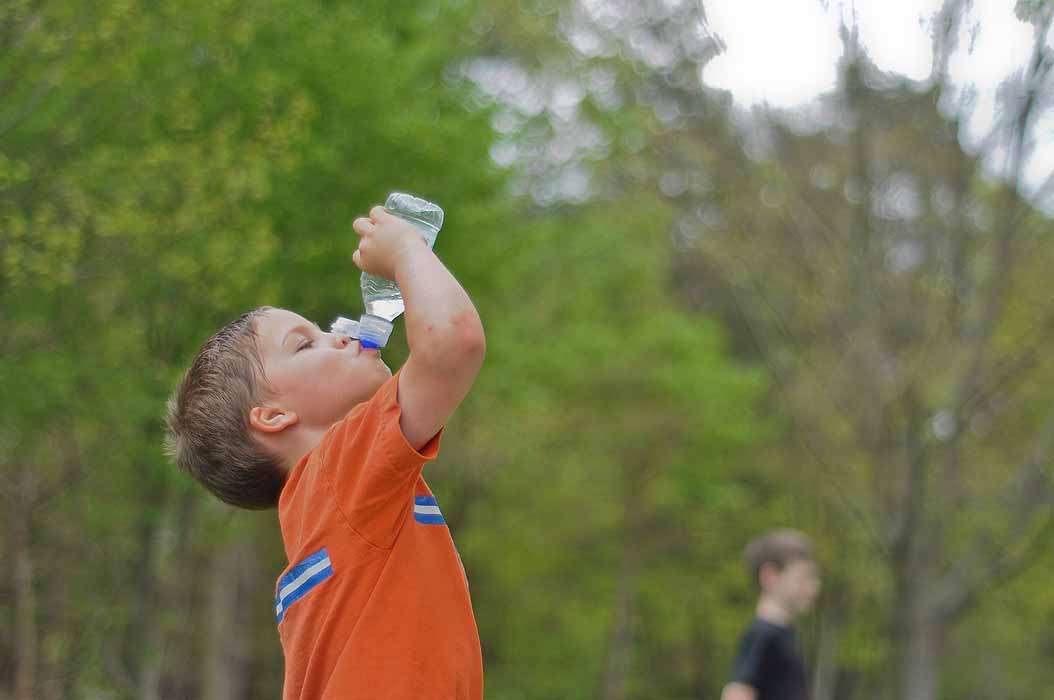
There would be no more news on funeral planning for several hours due to the time difference between here and there.  I briefly considered crawling back into bed but the sun was beckoning and little people were getting cabin fever. Some days you just know you will be more rested when you wear them out.  So we packed up the blanket, packed water bottles and sunscreen, and met our friends at the Seewoog.

Maria is one of those friends I don't see often but, when we do, words spill out easily. The time passed is quickly bridged and there is great comfort found sharing with another soldier's mom.

seewoog

( I suggested sunscreen…)

seewoog

seewoog
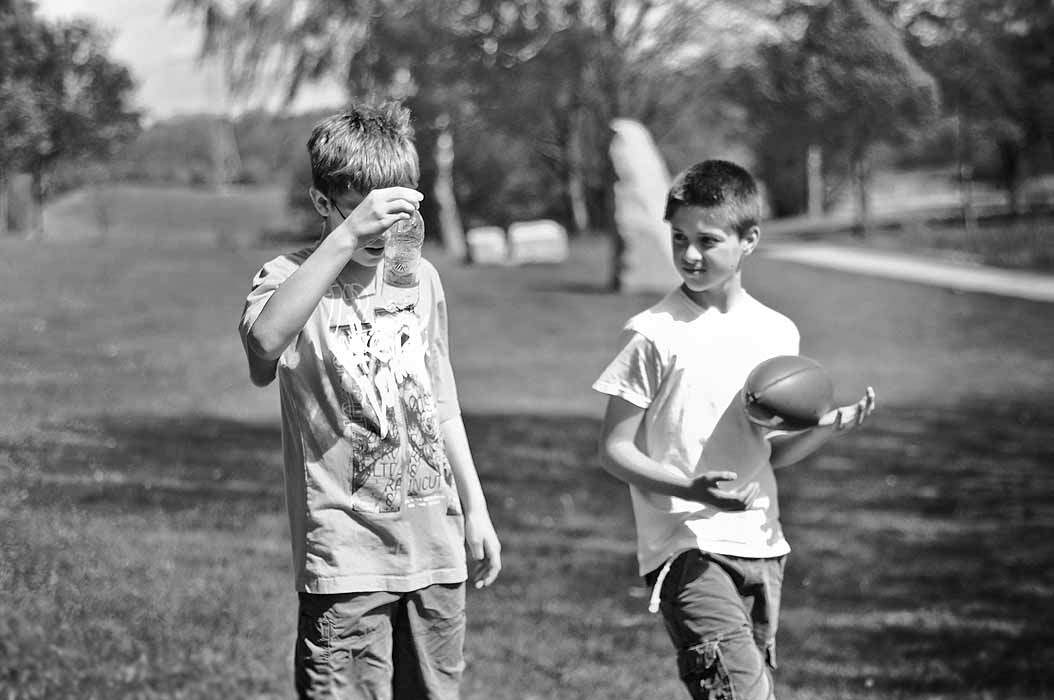
(the men in this family take ball sports seriously!) 

seewoog
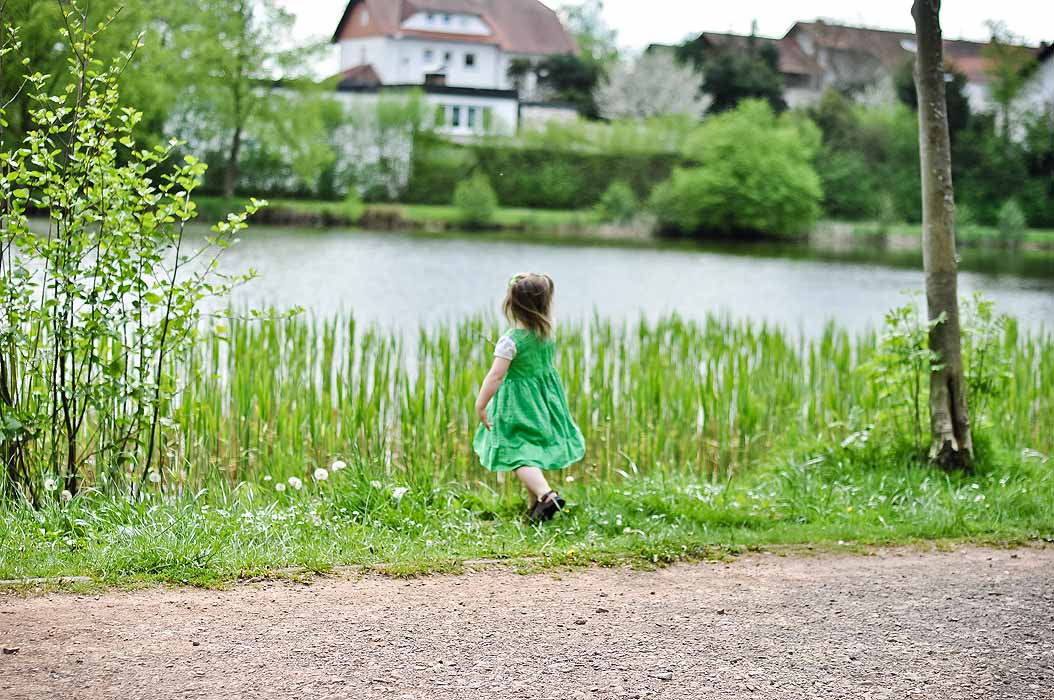
  The boys ran themselves ragged playing ball in the open fields.  The ant mound drew them not surprisingly, and plans were made to begin an ant farm.  (and just as quickly laid aside ; )) The little girls, too, fell right back into step.  With clasped hands they roamed the reed strewn banks with their brothers, bringing us lily fronds and fish eggs, daisies and dandelion.  We left filled to the brim.  Just what the day called for.

seewoog

seewoog

seewoog

seewoog

seewoog

seewoog


Weekend photography tips: how to shoot in manual

If you have a dslr camera and are shooting in auto this one is for you.  Listen to one woman's first steps to moving towards manual settings here.  Then pop over here to learn about that 'little line thingie' which is your light meter.   An explanation like this one was also the first thing that really clicked (no pun intended lol) for me when trying to get out the gate with manual exposure.  

Getting that little line centered won't guarantee you capture the image you envision creatively.  You need to really understand aperture and shutter speed for that.  But it will help you get a technically correct exposure from which you can begin to experiment. It is that all-important first concept upon which everything else rests.  Start with that little line thingie. <g> 


more links:

Camera Simulator app

Understanding Exposure

Beyond Snapshots

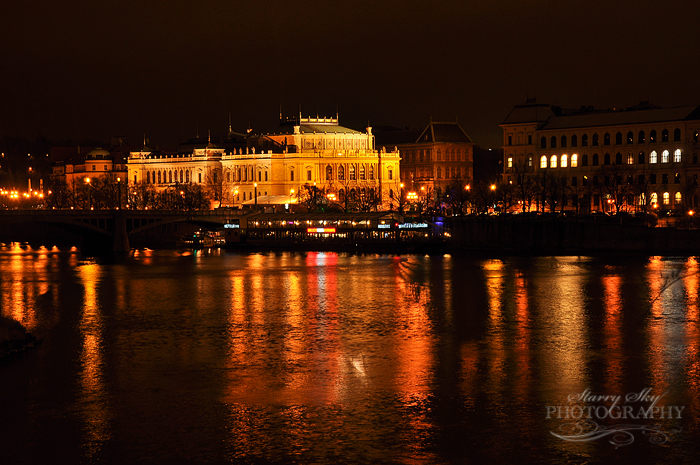
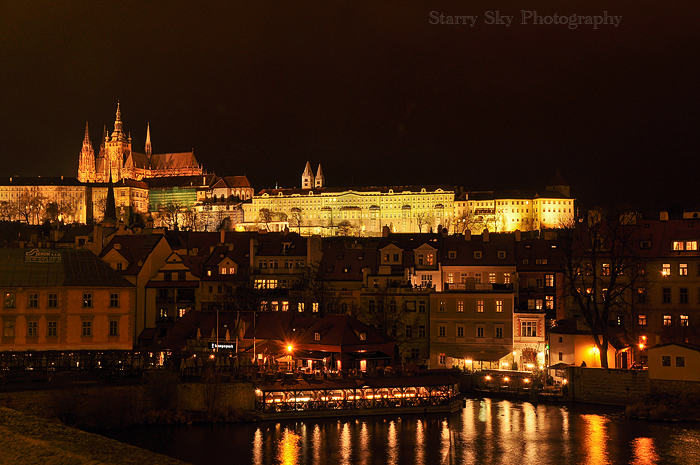
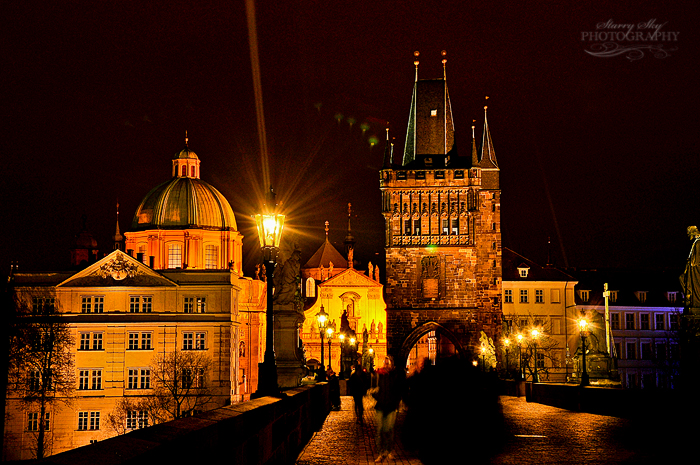
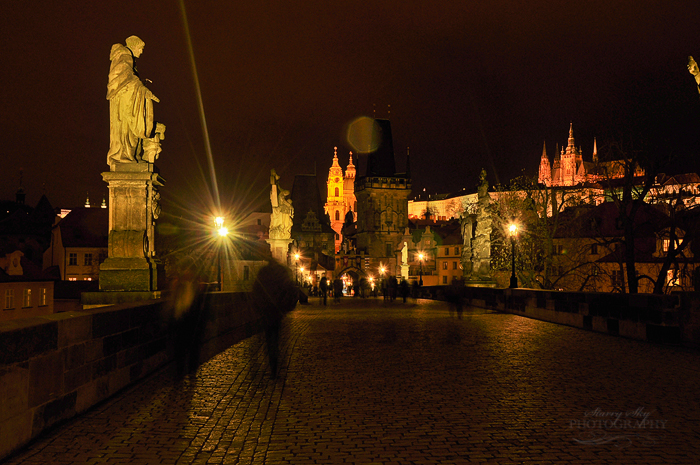
Evening Walk on the Karlův Most

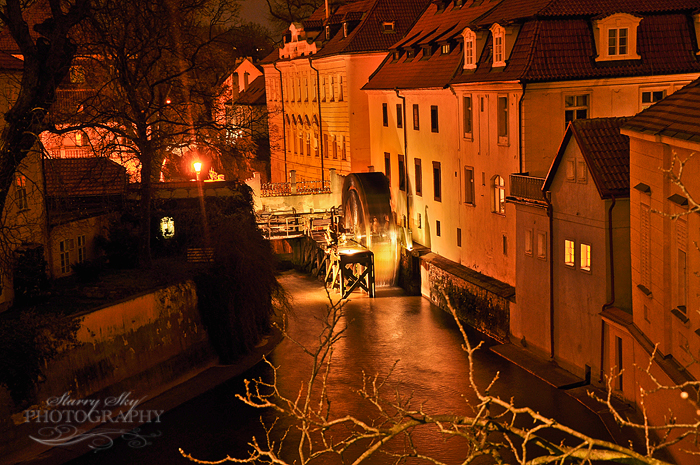
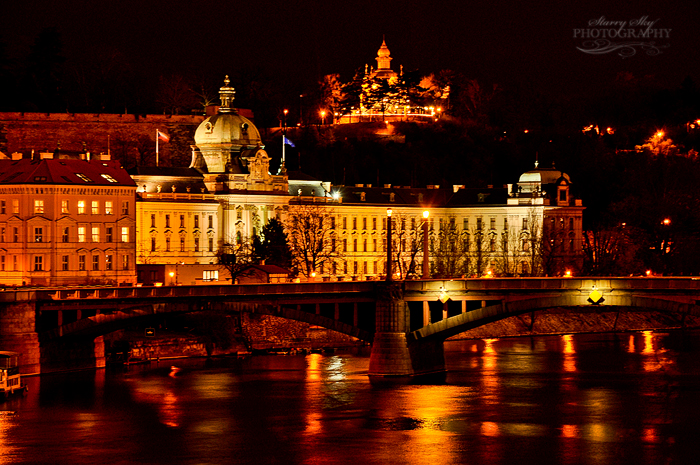
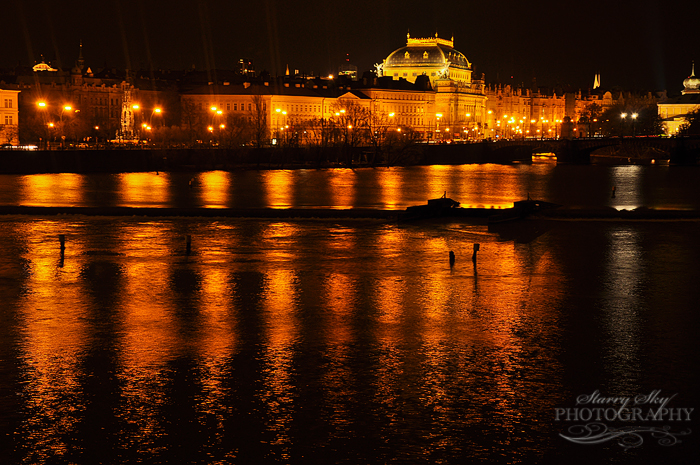
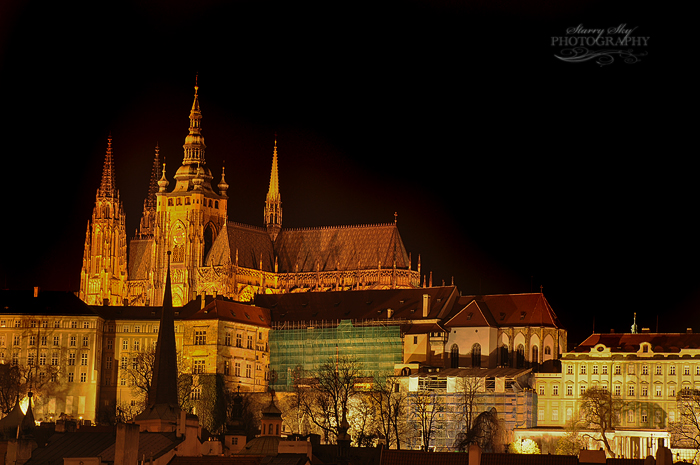
There was a break in the misty rain that second night in Prague.  Our apartment was quite near the Charles Bridge, close enough that after the littles were tucked into bed with the big girls we could step out for a short walk together.  

The Charles Bridge connects the Little Quarter in Prague with the Old Town across the Vltava River.  By day, vendors line the sides of the bridge with souvenirs and artwork.  After nightfall, there is a hush over all.  Couples stroll quietly, looking across the gently flowing water towards the illuminated landscape beyond.  

Walk with me, and I will show you…..

 prague


prague
prague

prague
prague
prague castle

prague

 prague


Weekend Photography Tips – white balance (getting the color right)

White balance, you say? We care about this why? Well, white balance makes the difference between your kids having a nice healthy glow or a funky neon yellow glow when photographed at functions in the school gym or the mall or other places with flourescent light.  It can make them look a little gray/blue or near cardiac arrest in shaded areas or near north facing windows on cloudy days.  It can ruin birthday party pictures. 

Got your attention? Good, because this is an easy fix.  

Cameras come equipped with various white balance settings to suit your setting. By default it is on auto and some do pretty darn well there in many situations.  But again, giving your camera a little hint goes a long way to better pictures.  For instance, telling it you are in the shade will warm up your image by toning down the blues and filtering with yellows. If you tell it you are in a room lit by incandescent lights it can filter with blue instead and so on. Here is why…

Light is not white. 

In fact, the light illuminating your scene might be very cool (lots of blue) or very, very warm (lots of gold). Your camera knows this.  It knows specifically the ratios of different colors from various light sources. What your camera may not know, is which light source you are using at that moment.  That makes for images with varying degrees of color cast. You have two options to fix this. 

1.) Set your white balance in camera.  You usually can choose between auto, sunny, cloudy, shade, tungsten/incandescent, flourescent, and flash at minimum. Auto isn't a bad place to start (it automatically adjusts to flash when shooting in auto mode for instance) unless you are in a gym or indoors on an overcast day.  (If you use a dslr in manual mode you can even set a custom white balance by photographing a white or gray card but that is another story entirely.)

You may not have time to mess around with the camera or might be using your iphone etc.  No problem because…  

2.) You can fix color casts pretty effectively in photo editing programs. 

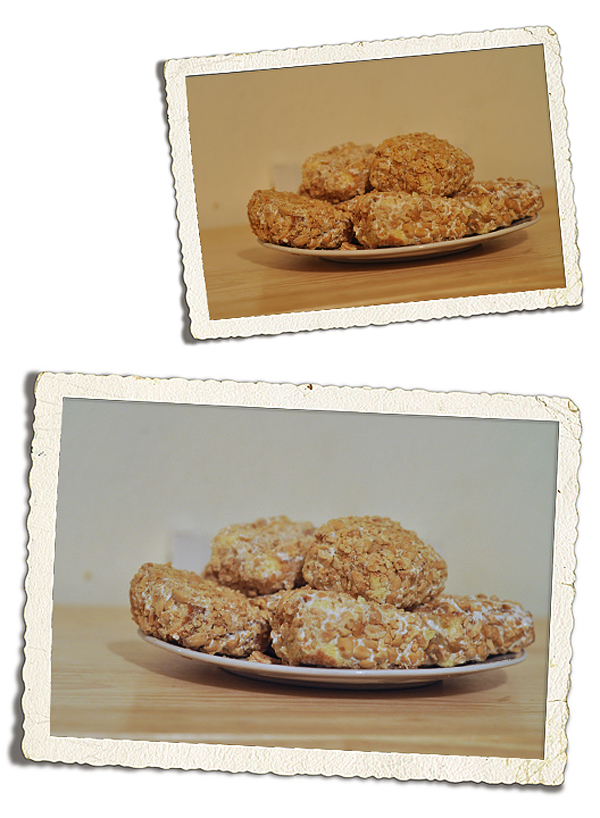
Real quick – some examples of both.  The first picture is of a plate of Alannah's Blarney Stones on St. Pat's. It was taken indoors at night with the lights on causing a really yellow cast.  Setting the camera again took care of that. 

Mar 2012 wb blarney web

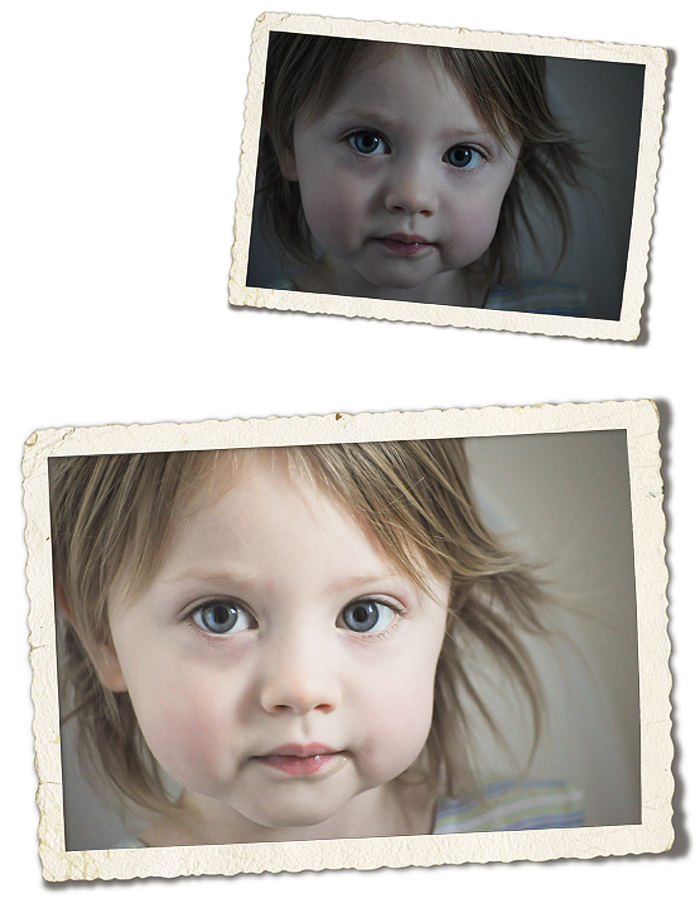
The next image was nearly a toss-er.  It was Abbie first thing in the morning by a north facing window on a rainy day.  It was way underexposed and left her so blue she looked ashen.  No problem.  Free editors like Picmonkey.com to the rescue!  

It works like this.  Upload your image.  Go to 'colors' and then 'neutral picker'.  Drag the eye dropper to something that ought to be white in your picture. In this case I chose a stripe on her nightgown.  The nightgown was not a pure white itself so the editor over adjusted initially.  I used the slider to bring the temperature back down a bit.


Mar 2012 wb before after web

 I also hit 'exposure' and slid the 'brighten' slider considerably, which is another post. All that to say, don't delete pictures you love that didn't turn out as well as you hoped until you try a little post-processing fix. Most people have some pictures from sports auditoriums, museums, or bowling alleys they can experiment with. If you are one of them, consider that your Weekend Challenge.